THE HORIZON MAIN MENU
28
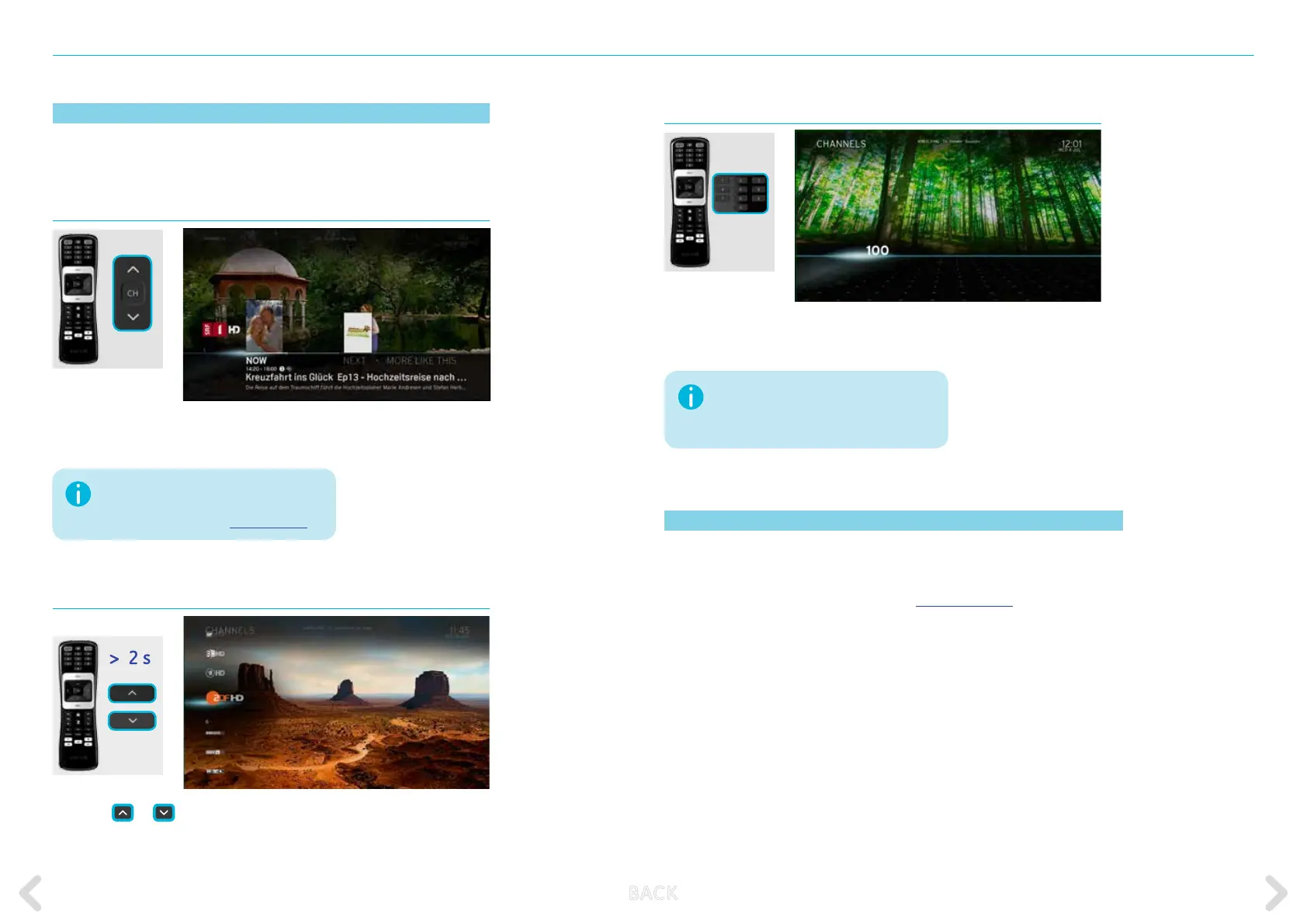
Accessing the channel list
Press the
or
key on the remote control for 2 seconds (long
press) to display the channel list.
Switching channels while in full screen TV
To switch between channels while in full screen playback, use one of the
following methods:
CH +/- keys
Briey press the CH+/CH- key on the remote control while in full
screen playback to switch to the previous or next channel.
The information on the channel is
displayed for 5 seconds. This can be
changed via TOOLBOX - PREFERENCES
If the channel number does not exist, the
system displays an error message and
tunes into the nearest channel.
Entering a channel number directly
Enter the number on the Horizon remote control to switch directly to
the channel with this number.
Locked items
If you set a programme rating or lock a channel, that programme or
channel will be unavailable for viewing. For information on how to unlock
these items, refer to MISCELLANEOUS – LOCKED ITEMS.
B ACK



 To Next Page