THE HORIZON MAIN MENU
57
NETWORK SETTINGS
The settings grouped under NETWORK SETTINGS enable you to set up your
Horizon box as a router and WLAN access point or to connect the Horizon
box as a client to an existing router.
You can then access multimedia les stored on your PC and other devices
and play them back using the Horizon box.
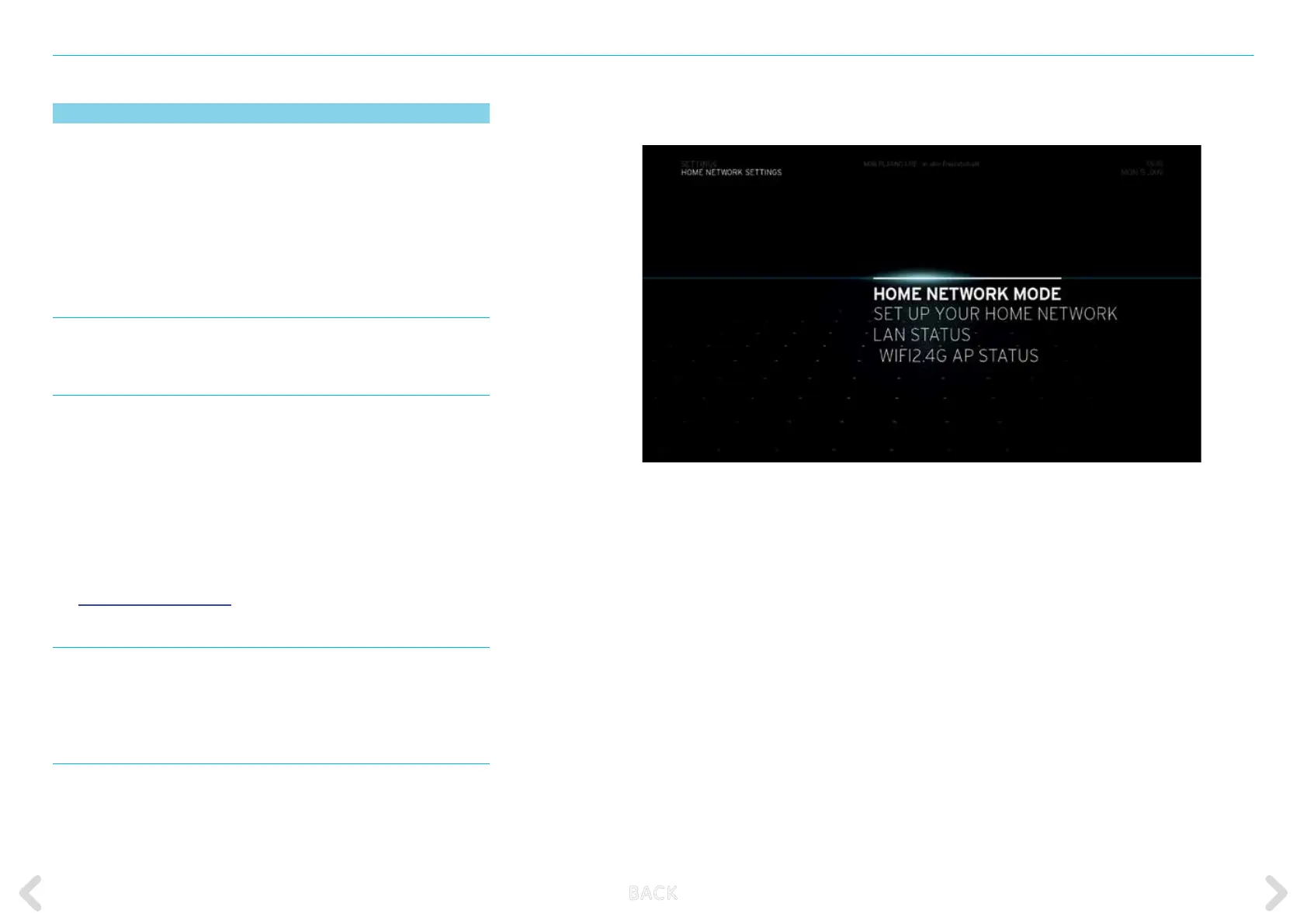
HOME NETWORK MODE
Provides information on the status of the home network.
HOME NETWORK ASSISTANT
Use this assistant to set up the Internet and home network
connections on your Horizon box. This will allow you to access video,
music and photo content stored on your home network from this box.
There are two options to choose from.
If you have a UPC Internet connection, you can set up your box as the
main Internet access point for your home network. If you use an
Internet connection through another access point in your home, you
can connect your box to that existing home network.
See HOME NETWORK SETUP for instructions.
LAN
Provides information on the status of the LAN connection. Insert info
bar: The WLAN SETTINGS can be changed using the web user interface.
For more information, see p77
WIFI2.4G AP STATUS
Provides information on the status of the WLAN connection.
B ACK



 To Next Page