THE HORIZON MAIN MENU
45
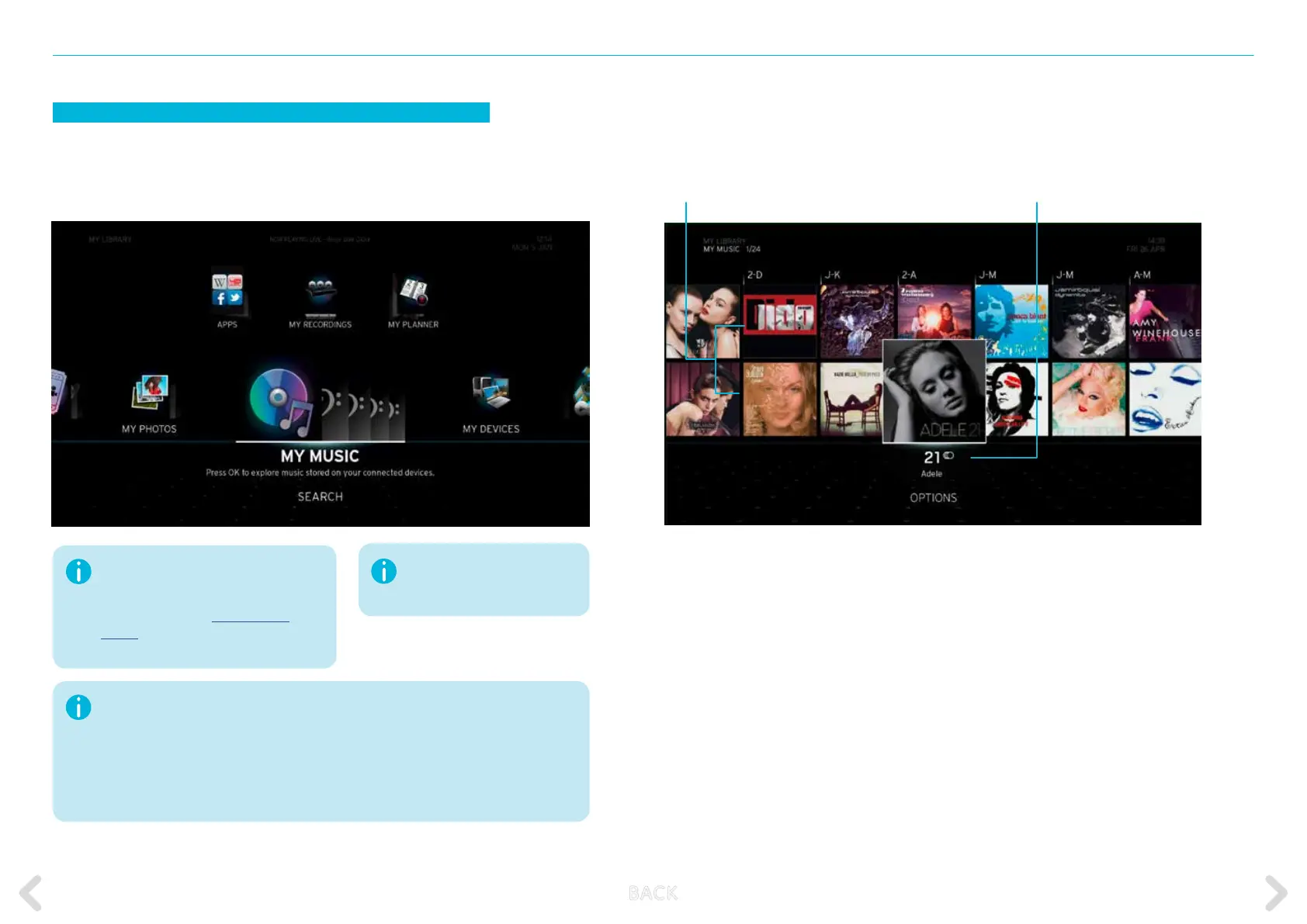
MY MUSIC
The MY MUSIC option contains all music-related items from your home
network devices. Press OK on the remote control to access your music.
Before continuing, make sure your DLNA-
certied devices are connected to the
Horizon home network using either WLAN
or Ethernet. Refer to SET UP HOME
MEDIA for more information on how to
connect your home media devices.
Name of album
Available music albums
Indexed music les located on a
currently disconnected device
are displayed in grey type.
Horizon’s DLNA functionality is currently limited. If you possess a large number of photos,
videos or audio content, the box may freeze or respond very slowly. We recommend you
use a LAN cable to connect Horizon to your home network or else use fewer than 1,000
les. If your box still exhibits problems, we recommend restoring Horizon’s default settings
and forgoing use of the media playback function from the home network for the time
being. We are working with our technology partners to extend the number of compatible
formats and improve the cataloguing of media content from the home network.
B ACK



 To Next Page