THE HORIZON MAIN MENU
26
CHANNELS
TV channels category displays information about the current programme and
enables you to switch channels.
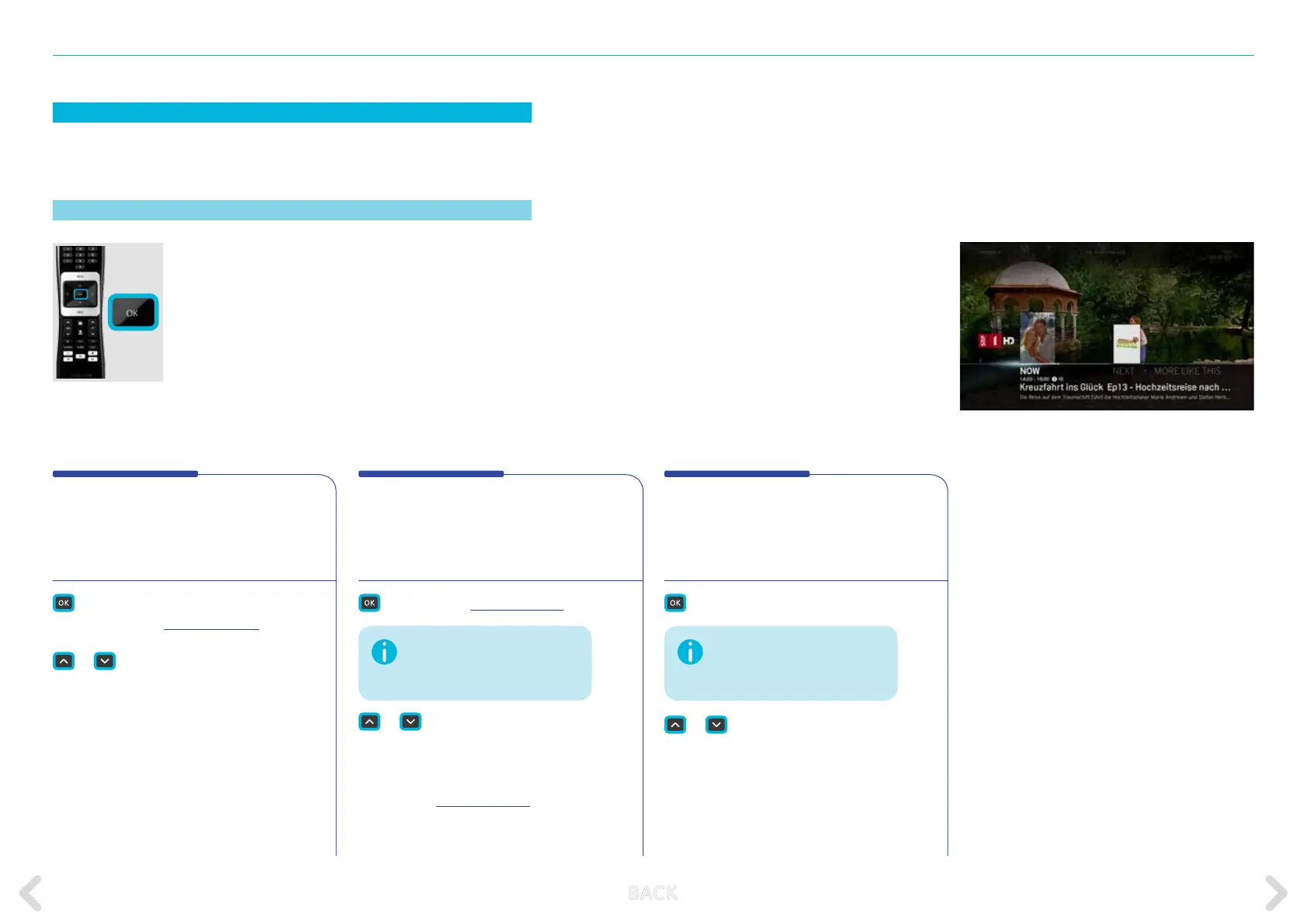
Channel bar
Press OK on the remote control while CHANNELS is
selected on the main menu. The main menu closes
and video is displayed in full screen with the channel
bar showing information on the current programme.
The channel bar will disappear automatically after
5 seconds. You can change the length of time the channel
bar is displayed in the PERSONAL SETTINGS options.
NOW
This is the default option of the channel
bar. It shows information about the current
programme.
short and long push
– displays the ACTION MENU.
or
– scrolls through the NOW
content for the other available
channels.
Pressing OK selects the avail-
able channel for viewing.
The channel bar also appears when:
– pressing the BACK key on the
remote control. All options available on the
channel bar
are displayed.
– changing from channel to chan nel
(zap-
ping).
The info bar can contain up to four of the following submenu options depending on the channel being viewed:
NEXT
This shows information about the next
programme on the current channel.
– displays the ACTION MENU.
or
– scrolls through the NEXT
content for the other available
channels.
Pressing OK displays the
ACTION MENU for that
available channel.
MORE LIKE THIS
Shows content similar to the programme
you are watching.
– access to the related items.
or
– scrolls through the MORE LIKE
THIS content for the other
available channels.
If there is no next programme
available, this option is not
displayed in the channel bar.
If there is no related content
available, this option is not
displayed in the channel bar.
B ACK



 To Next Page