MISCELLANEOUS
63
RECORDING CONFLICT MANAGEMENT
Your Horizon HD Recorder allows simultaneous recording of up to
4 programmes. If more than 4 recordings are active at the same time, a
recording conict will occour.
There are two situations where recording conicts can occur.
When you want to record a programme and other programmes are
scheduled for recording with recording times that overlap
(PROGRAMME RECORDING CONFLICTS).
When you programme a recording and the disk is full
(DISK SPACE MANAGEMENT CONFLICTS).
Conicts can occur when you programme a recording from any of the
following areas:
– during Live TV content
– while using the channel bar
– in the TV Guide
– from your search results
– in “Suggestions”
– while searching related items
Programme recording conflicts
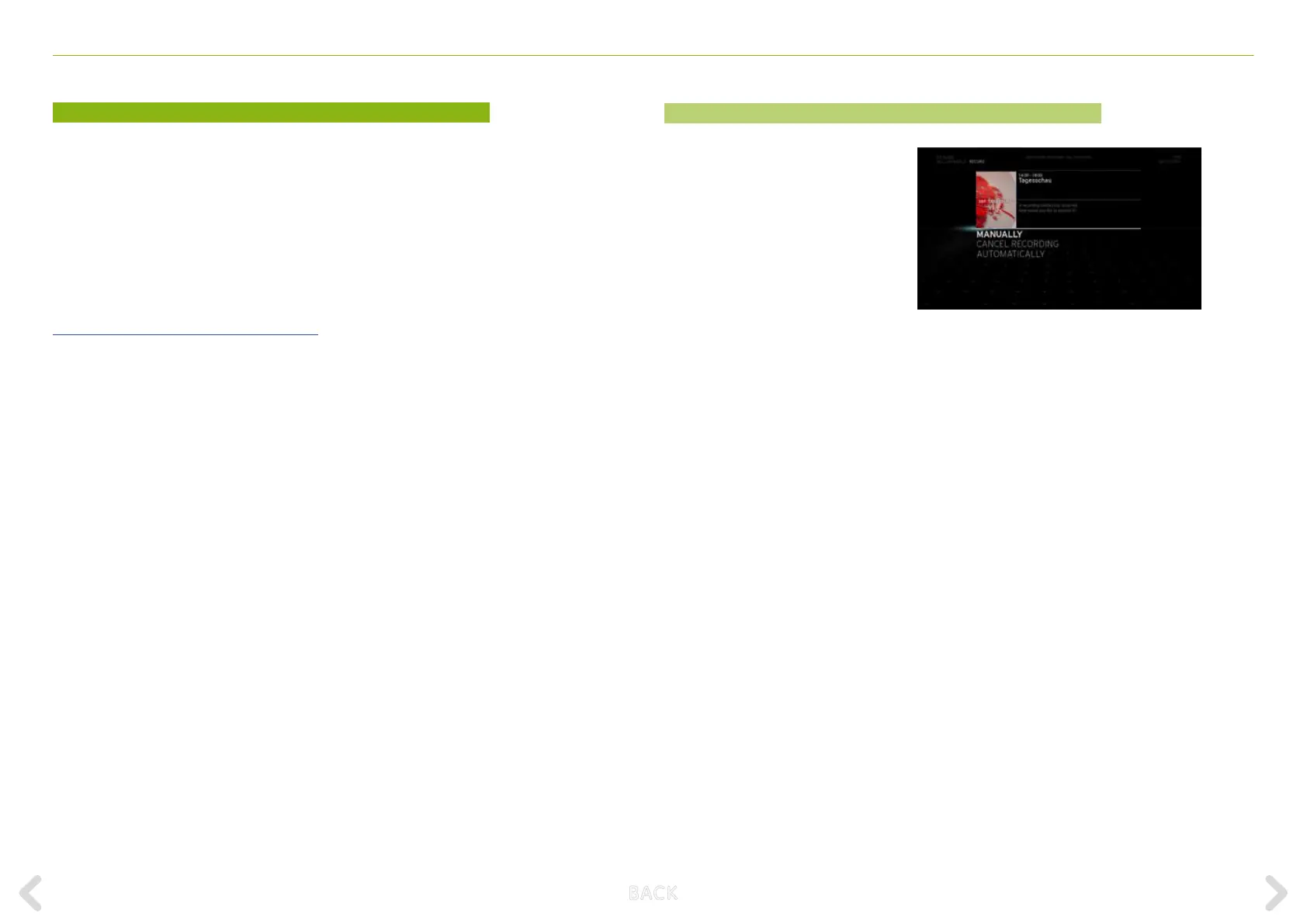
A programme recording conict
occurs when you programme a
recording and the maximum number
of other recordings, that have over-
lapping times, are already scheduled.
The conict arises when you select
the RECORD option in an action
menu and press the OK key. When a
conict occurs, the conict resolution
screen appears. You can choose to
resolve the conict in three ways:
– AUTOMATICALLY
– MANUALLY
– CANCEL RECORDING
B ACK



 To Next Page