THE HORIZON MAIN MENU
58
PIN AND PARENTAL CONTROL
The PIN AND PARENTAL CONTROL option enables you to set various
features regarding your personal privacy, organise your children’s
access to the Horizon box and channels and create a new PIN code.
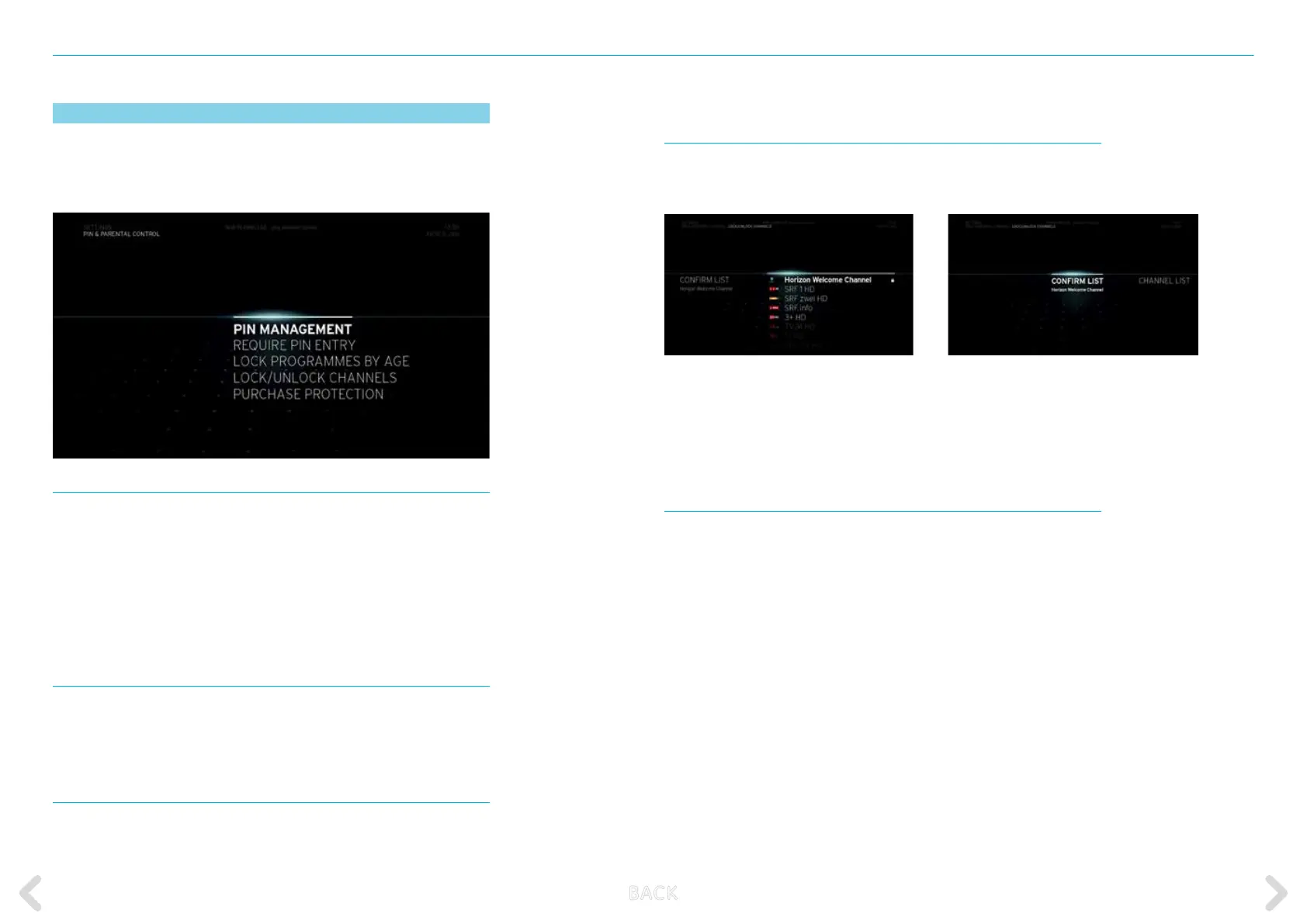
PIN MANAGEMENT
The options available in PIN MANAGEMENT enable you to change
your PIN:
CHANGE PIN CODE
Select this option if you want to change your PIN. The default
PIN CODE is 0000
.
REQUIRE PIN ENTRY
Select this option if you want to request a
PIN
when accessing
the
SETTINGS
menu.
LOCK PROGRAMMES BY AGE
By activating this option, you will be asked to enter a
PIN
for pro-
grammes, which are unsuitable for the selected age.
LOCK/UNLOCK CHANNELS
Enables you to lock and unlock individual channels. You must enter your
PIN to view any locked channels.
Select the channels you would like to
lock or unlock by pressing the
OK
key.
You will see a lock displayed beside the
selected channel.
After selecting the channels, select
CONFIRM
on the left of the screen
by
pressing the
OK
key.
PURCHASE PROTECTION
This option enables you to
activate or deactivate the purchase protec-
tion
. With
purchase protection
set to
ON
, you are asked to enter your
purchase code when purchasing items. If you set this option to
OFF
, any
member of the household can purchase items using your account. In
default setting, the
purchase protection
is set to
ON
.
B ACK



 To Next Page