APPENDICES
77
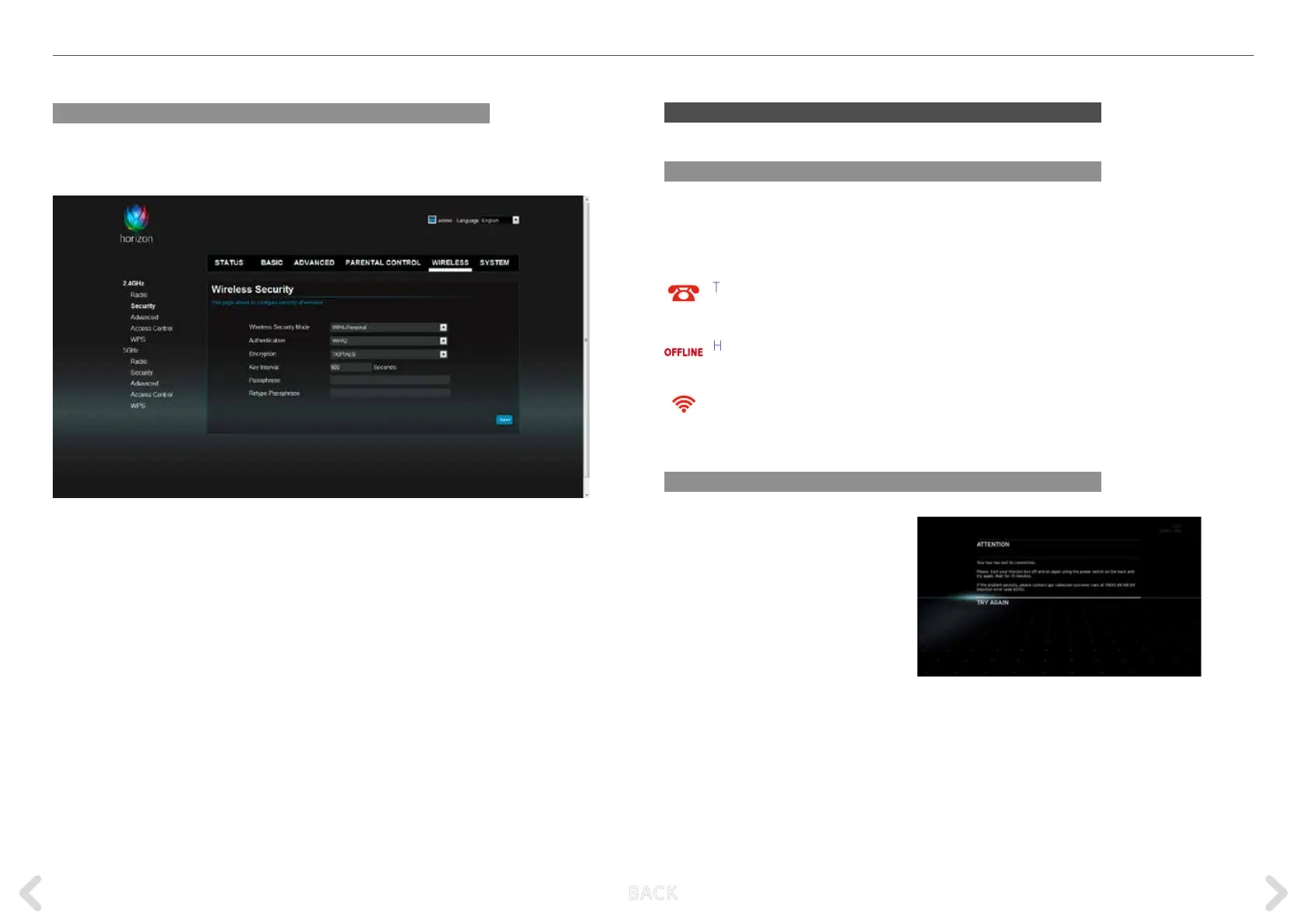
Changing the WLAN security settings
To change the WLAN security mode, encryption or password select
WIRELESS > 2.4GHz > Security.
This screen shows the authentication and encryption protocols used
and gives you access to the connection password. This can be changed
in the “Passphrase” eld. Make sure to note the password as this will be
required when connecting other devices to the WLAN network of your
Horizon box. The default password can be found on the underside of
your Horizon box.
Please note that your password must contain at least 8 characters.
TROUBLESHOOTING
Horizon box failure icons
If any of the following icons appear on the Horizon box display dur-
ing normal operation and the problem please contact UPC customer
service (0800 66 88 66).
TELEPHONE Failure, no dialling tone but your
No dialling tone telephone subscription is active.
HORIZON BOX There is no connection to
CONNECTIVITY UPC services.
WLAN CONNECTIVITY Horizon box WLAN connectivity failed.
Error messages
If an error message appears on the
screen during either the installa-
tion process or normal use, follow
the instructions on the screen and
write down the ERROR CODE. If the
problem persists, please call UPC
customer service (0800 66 88 66).
OFFLINE
B ACK



 To Next Page