THE HORIZON MAIN MENU
37
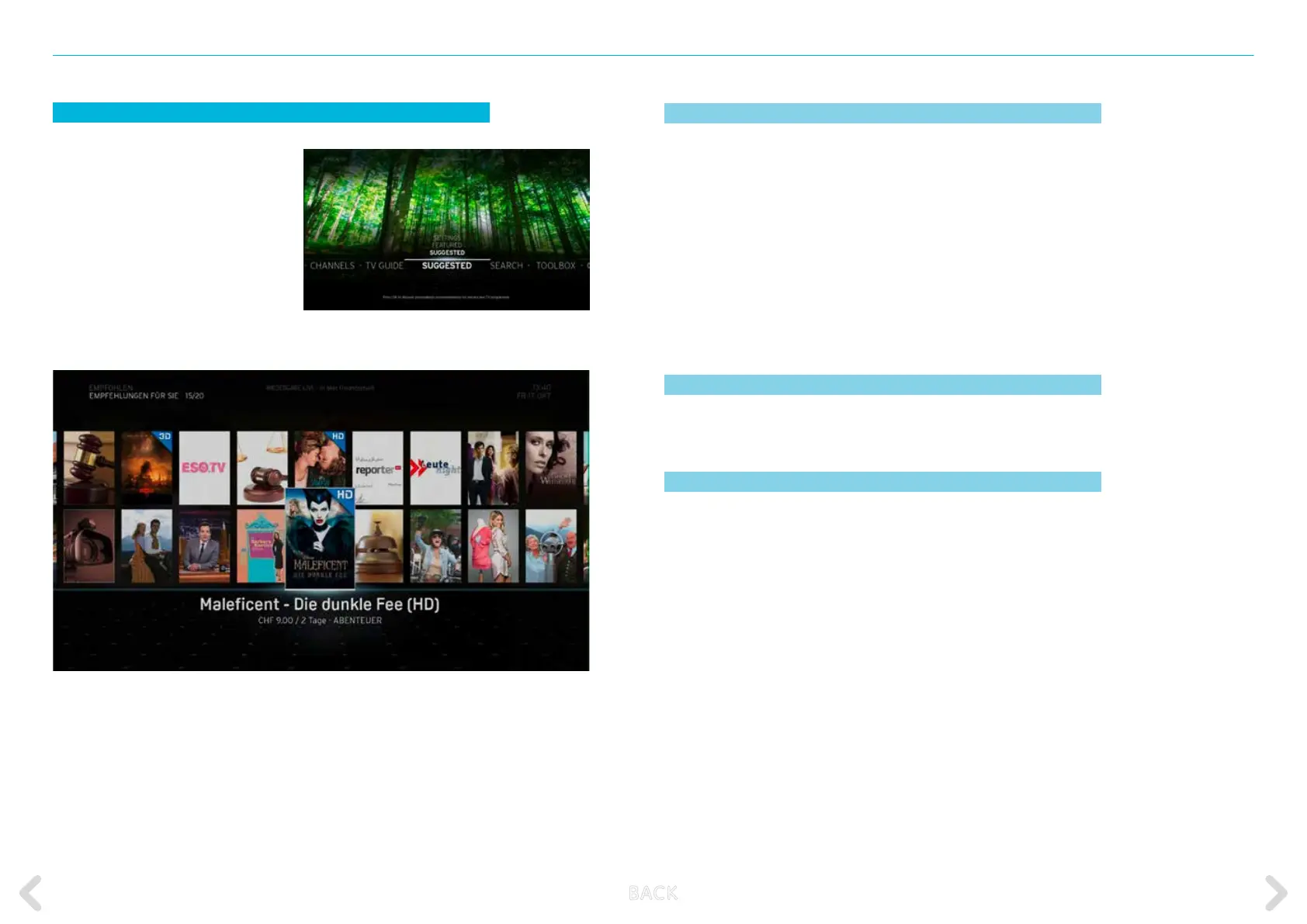
SUGGESTED
The SUGGESTED option in the main
menu contains your personalized
recommendations for TV pro-
grammes and Video on Demand
content as well as FEATURED picks
from editors and critics. It also allows
you to change the personalisation
SETTINGS. Press OK on the remote
control to access the SUGGESTED
option.
SUGGESTED FOR YOU
Horizon benets from unique functions which ensure that your
entertainment experience is tailored to suit your tastes. The box can
memorise TV programmes that you have watched or recorded then
use this information to oer personalised recommendations for TV
programmes, Video on Demand lms and series that you might nd
interesting.
If you choose to deactivate personalised suggestions, this option will
instead list generic recommendations. This list is continuously updated
with new items.
FEATURED
This option oers a list of popular items selected by editors and critics.
SETTINGS
This option allows you to activate or deactivate personalisation.
Pressing the OK key with PERSONALISED RECOMMENDATIONS high-
lighted displays the YES/NO selection screen. Select either YES or NO
and press the OK key.
B ACK



 To Next Page