THE HORIZON MAIN MENU
30
Recording
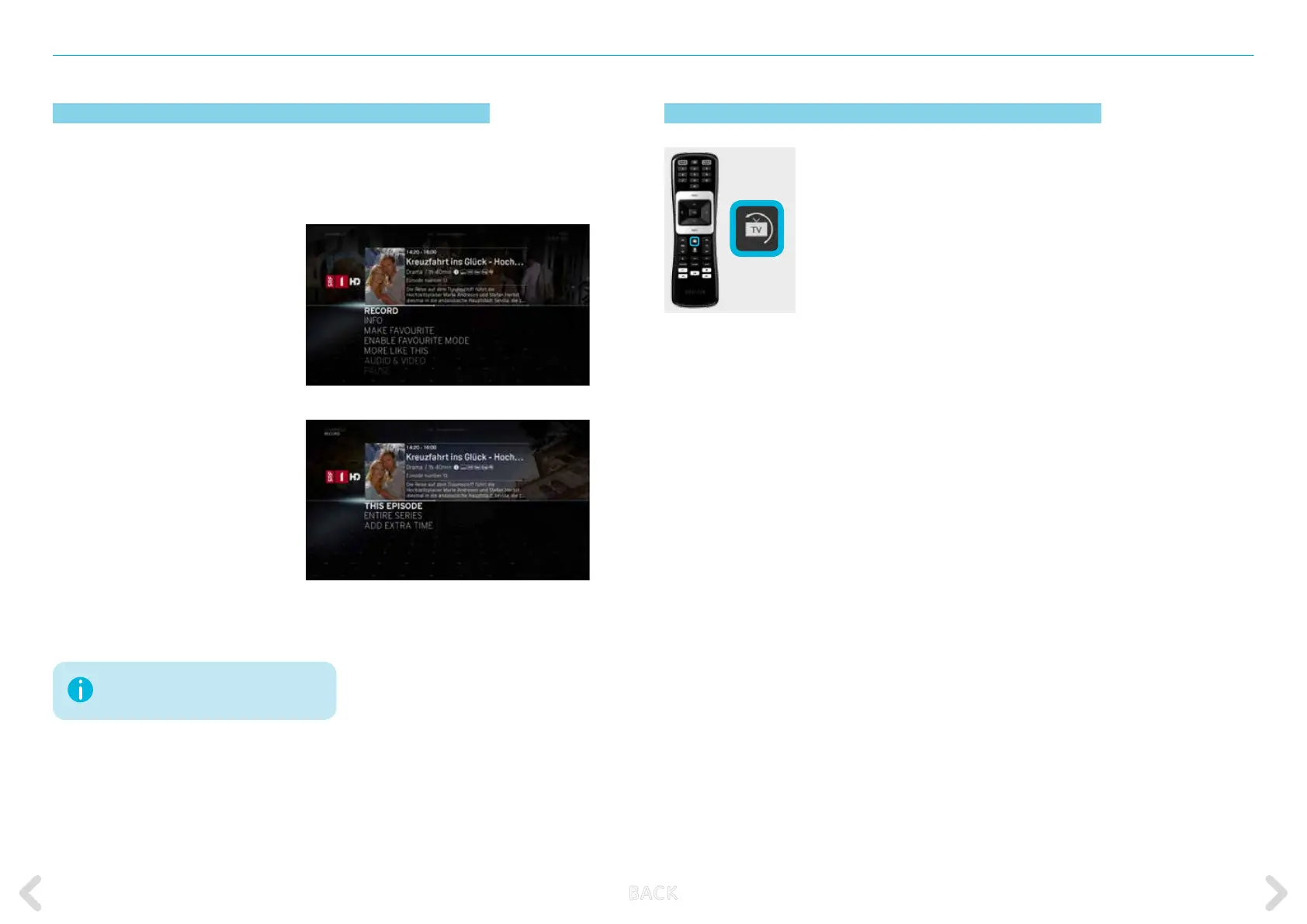
To set up a recording, you can either open the action menu and select
RECORD, or you can push the record button on the Horizon remote
control.
Recording via the action menu
Press OK during a current programme
to activate the action menu.
Select RECORD and then CONFIRM
to start recording. Set a customised
time buer before and after the pro-
gramme under ADD EXTRA TIME.
Recording via the REC button on
the remote control
Press REC on the remote control
during a current programme. Select
CONFIRM RECORDING to start
recording. If, for the programme
selected, it is possible to record
an entire series, the options “THIS
EPISODE” or “ALL EPISODES” are
displayed. Set a customised time buer
before and after the programme
under ADD EXTRA TIME.
How to exit the MAIN MENU
If you want to exit the menus or on-screen
functions quickly and return to full screen TV,
press the Live TV key. When watching a pro-
gramme, you can also use this key to switch
to the last viewed channel.
Your Horizon HD Recorder allows simul-
taneous recording of up to 4 programmes!
B ACK



 To Next Page