THE HORIZON MAIN MENU
29
Media playback controls
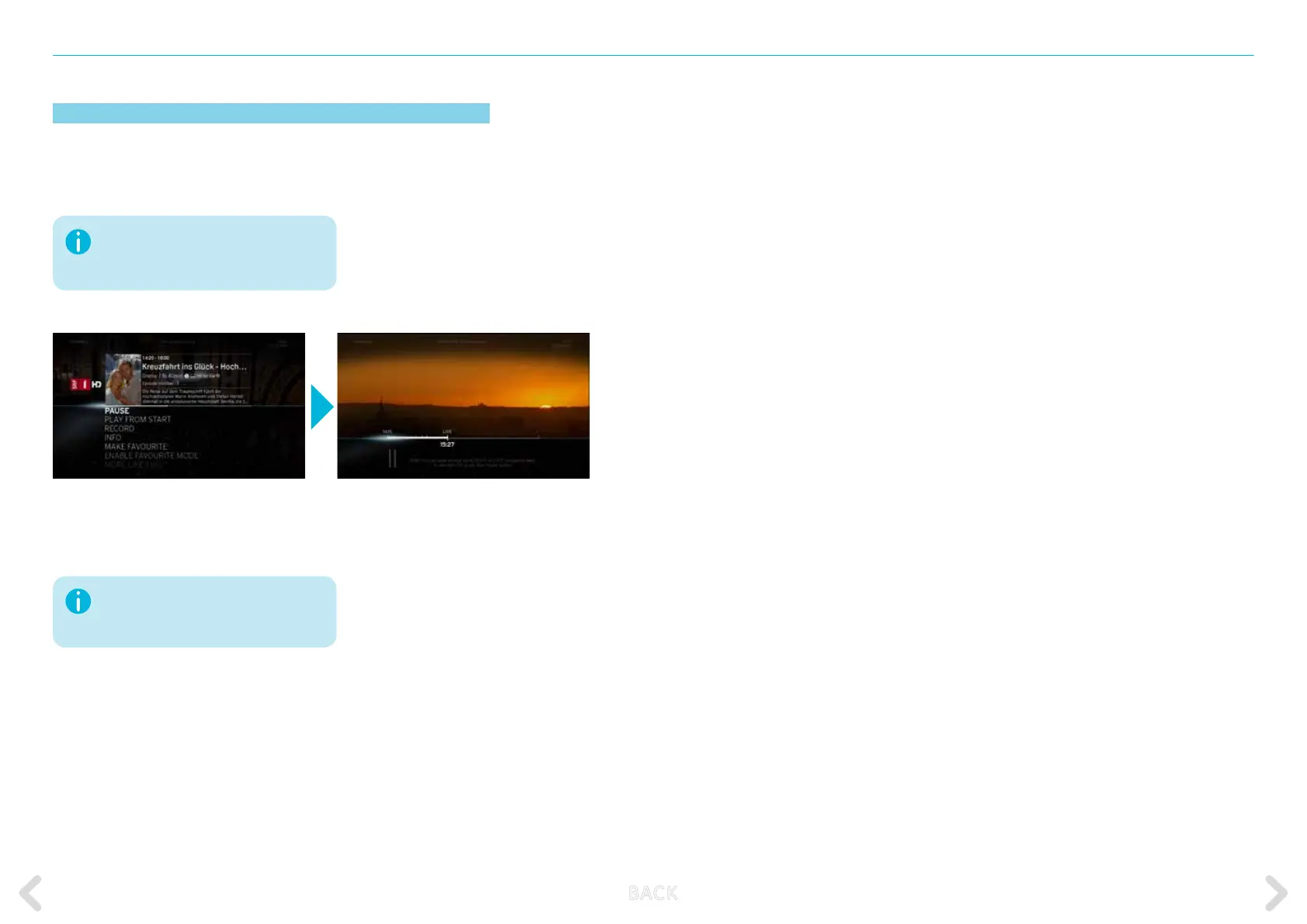
The media playback controls are displayed when pressing the OK key
during a live TV programme or a recorded playback and then pressing
the OK key while the PAUSE option of the action menu is highlighted.
Media playback is applicable to live TV content, recorded videos, Video
on Demand or Replay items as well as home network content.
You can also pause a programme with
a long press (2 sec.) on the OK button
during full screen playback.
By briey pressing the RIGHT or LEFT
arrow buttons, you can skip between
the selected intervals.
B ACK



 To Next Page