THE HORIZON MAIN MENU
40
When the keyword/keywords you are searching for appears/appear
in the list, use the
or
to highlight it/them and then select it/
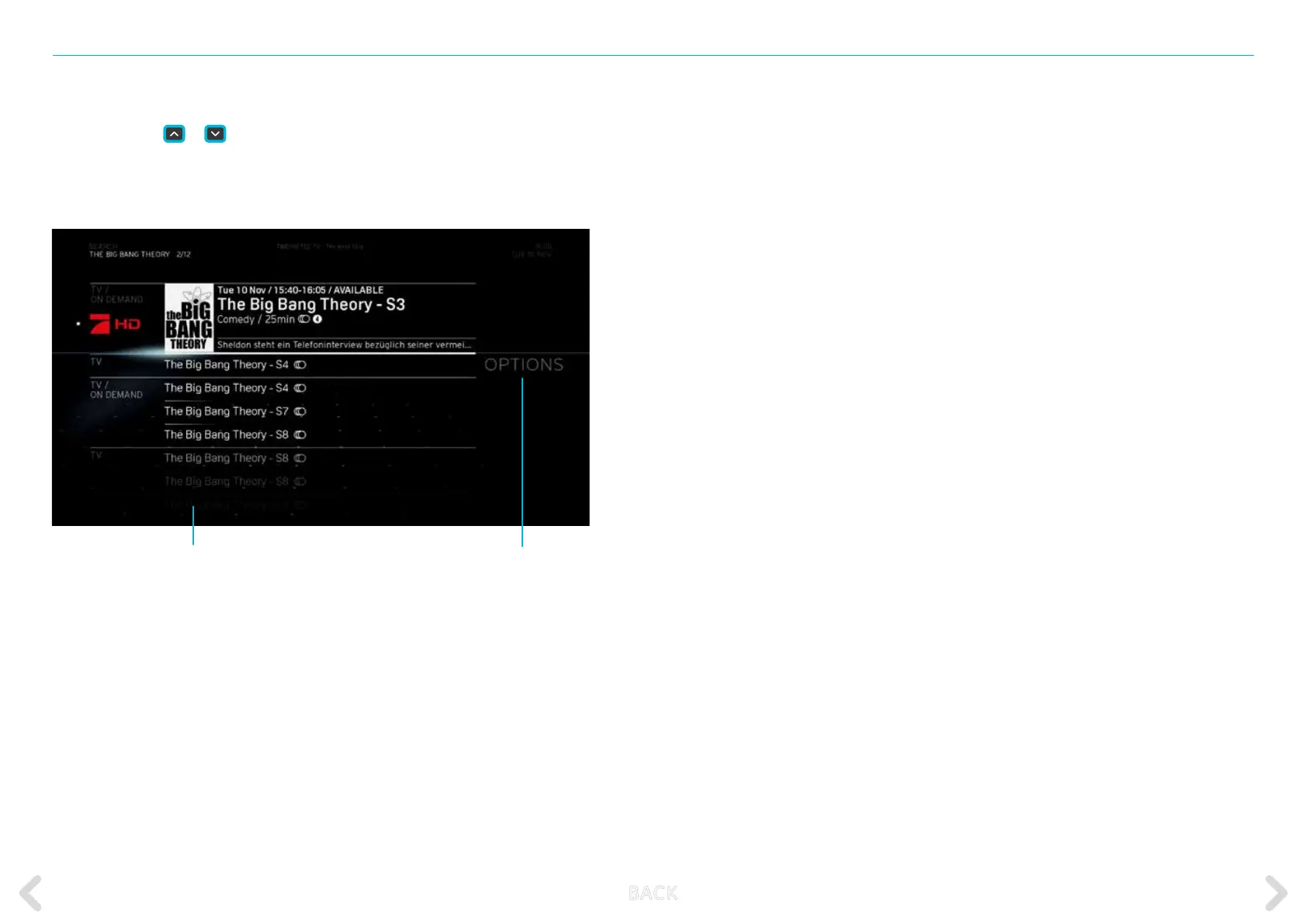
them by pressing OK on the remote control. This will display the results
screen:
If you are satised with the result, press OK on the remote control to
access the item.
If you are not satised with the result, you can use the OPTIONS
function to obtain more results.
Rene your results
List of results containing
the selected keyword
B ACK



 To Next Page