ROBOT HP7E / HP10E / HP12E / HP15E / HP20E6. Graphical control
6-32 © VEMAG 2010
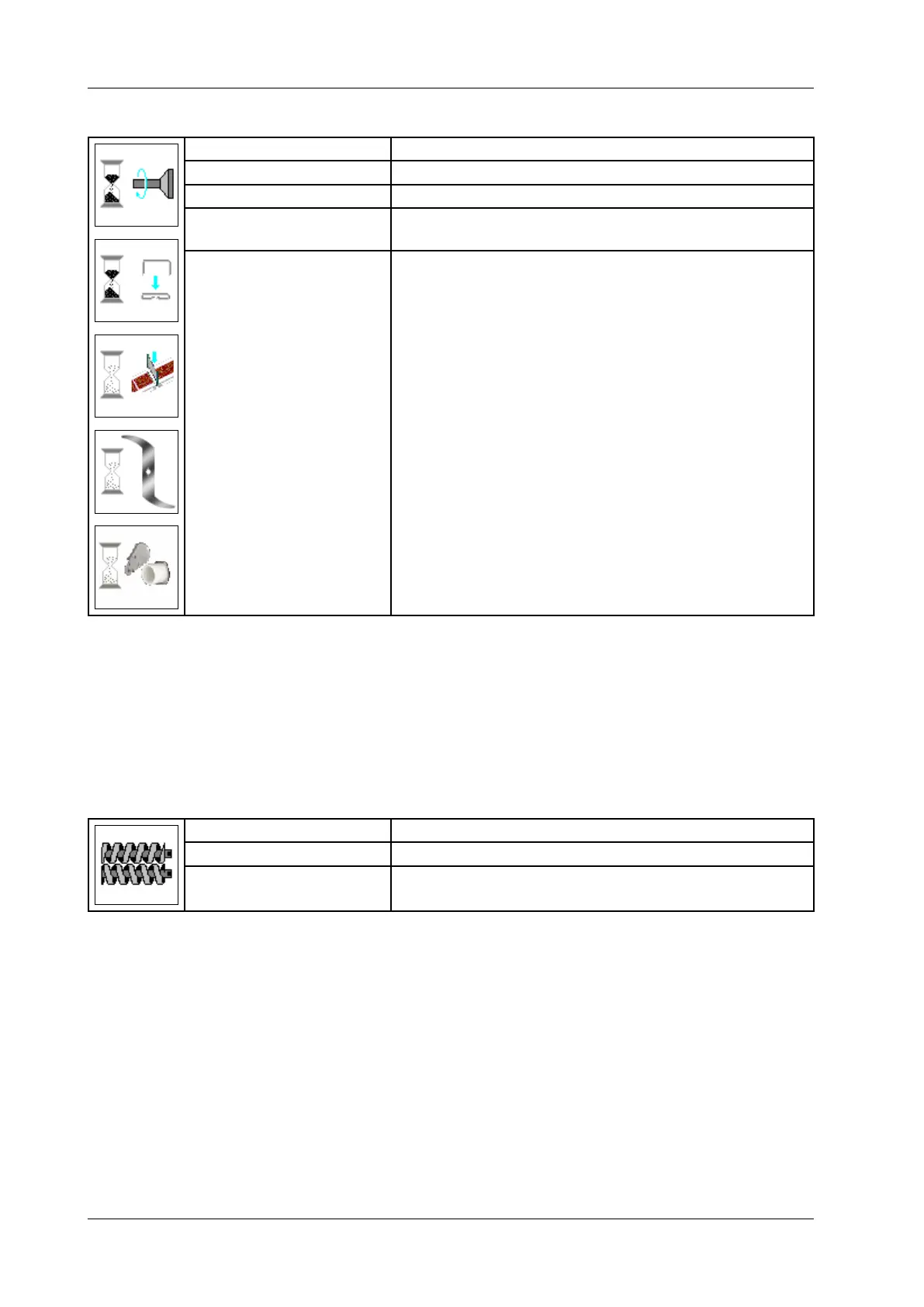
6.6.4.4 Link offset/clip offset/knife offset (minced meat line)
Display: Twist delay / Clip offset / Knife offset
Unit: Milliseconds [ms]
Resolution: 1 ms
Setting range: -3,000 – +3,000 ms (default for linking = -25,
default for knife = -60 ms)
Application: Linking / clipping / minced meat line
• Enter offset.
• Press Enter.
Start linking, clipper/ knife before or after end of portion. Pause time is
adapted automatically here. Advance is limited by speed and portion size.
"0" means linking, clipping or cutting at the end of the portion. A negative
value is limited by portion length.
6.6.4.5 Select double screw (HP series only)
Display: Double screw
Selection: Double screw type (e.g. 48-80)
Application:
Fillers with a double screw (HP series only)
• Enter double screw type.
• Press Enter.
If you select the „grinder“ mode, the selection is restricted to C prole
double screws.



 To Next Page