ROBOT HP7E / HP10E / HP12E / HP15E / HP20E6. Graphical control
6-50 © VEMAG 2010
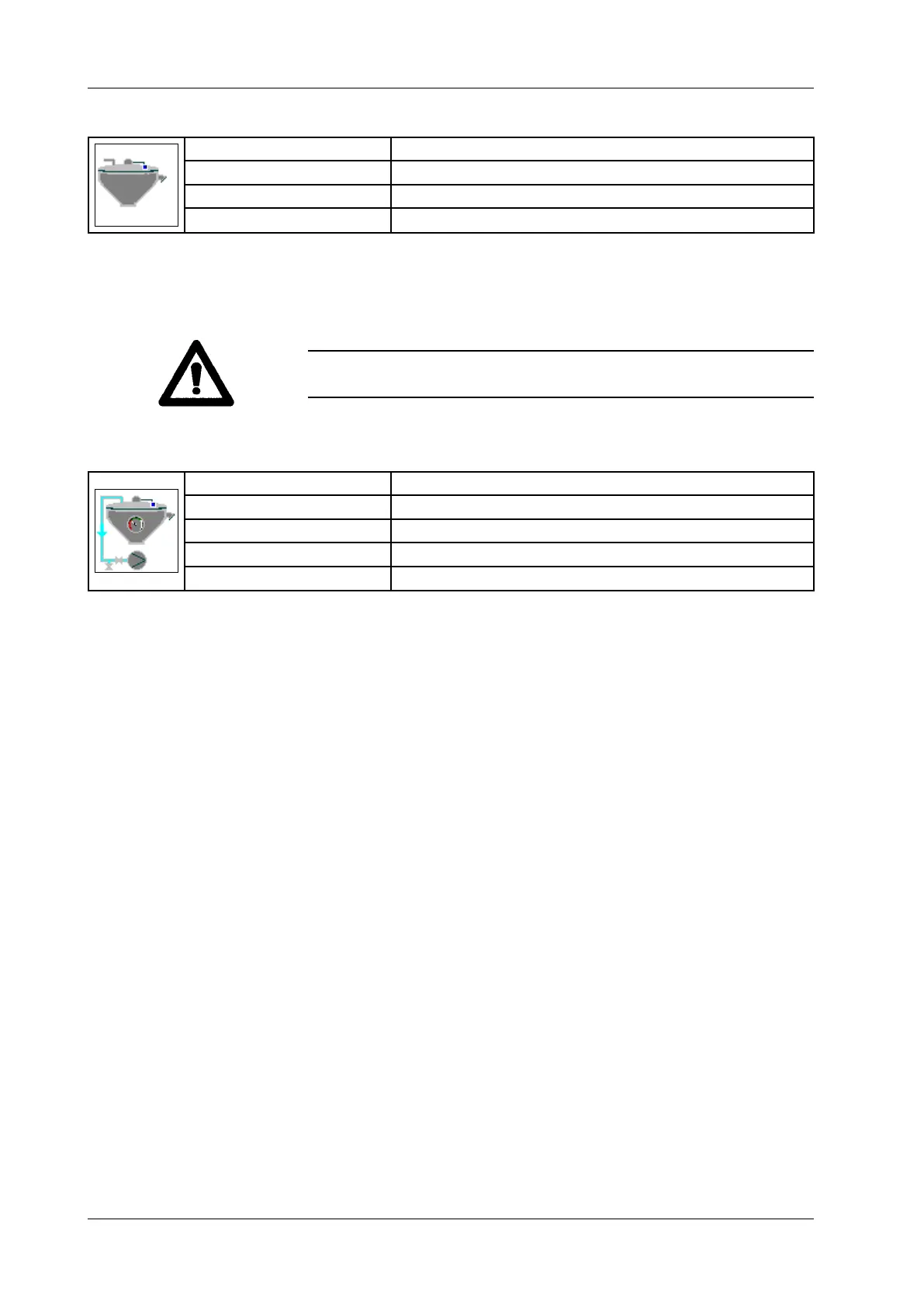
6.6.4.46 Hopper mode
Display: Hopper mode
Selection: Off / Continuous
Functions: Vacuum / lling
Application: Vacuum hopper 149
• Select hopper mode.
• Press Enter.
The switches "Vacuum" and "Fill" switch the control functions for hopper
vacuum and level on or off. Active functions are highlighted in green.
Warning!
The vacuum hopper cannot be lled if no vacuum has been applied.
6.6.4.47 Hopper vacuum
Display: Hopper vacuum
Unit: Per cent [%]
Resolution: 1 %
Setting range: 5 – 98 % (control range +/- 1 to 10 %)
Application: Vacuum hopper 149
• Enter hopper vacuum.
• Press Enter.
With the vacuum switched on, the vacuum in the vacuum hopper is kept
constant at the set value. The current vacuum is shown by a bar and may
uctuate around the set control range. The vacuum may also drop below
the control range when the hopper is being lled.



 To Next Page