ROBOT HP7E / HP10E / HP12E / HP15E / HP20E 6. Graphical control
6-51© VEMAG 2010
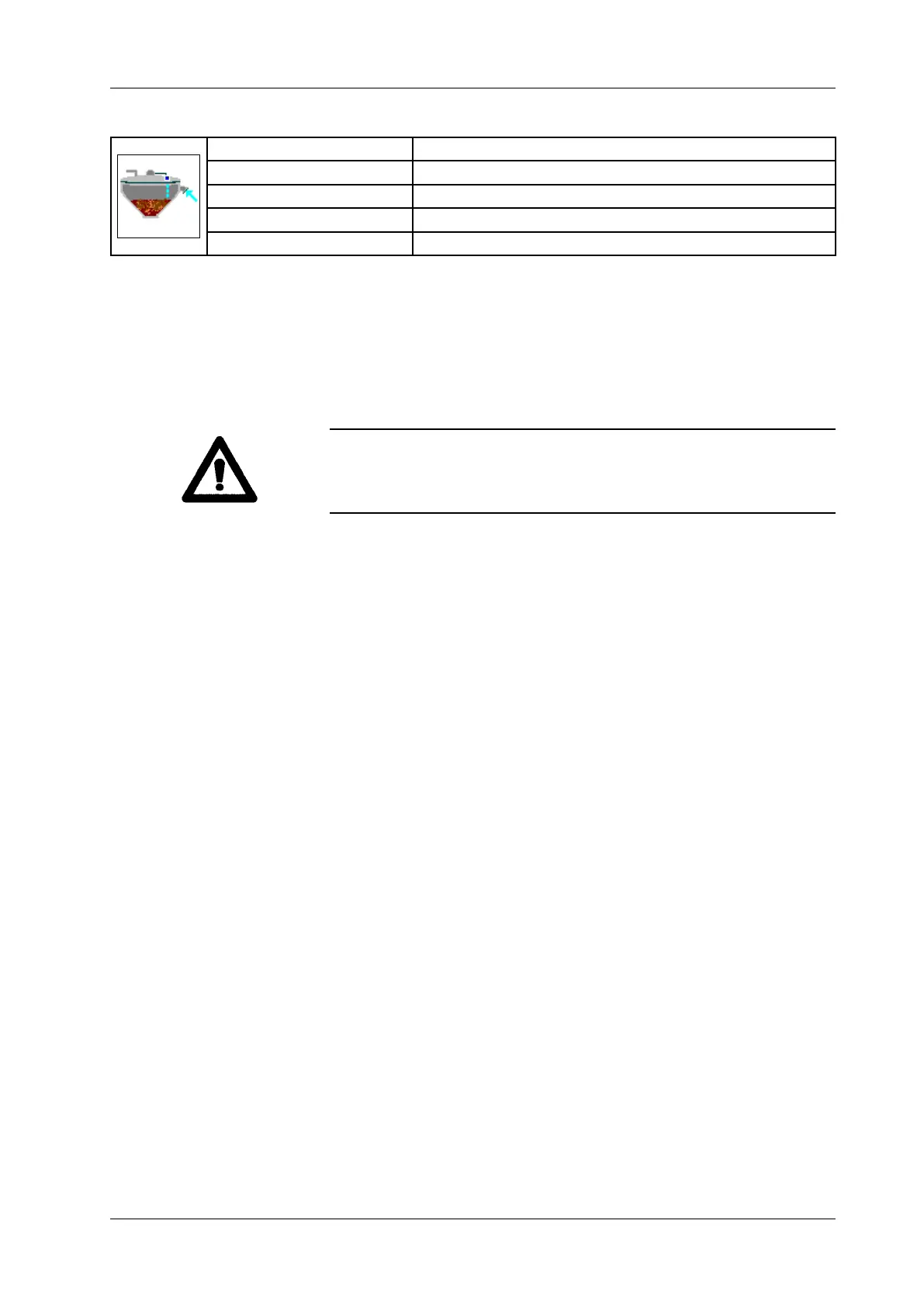
6.6.4.48 Hopper level
Display: Hopper level
Unit: Per cent [%]
Resolution: 1 %
Setting range: 5 – 98 % (control range +/- 3 to 30 %)
Application: Vacuum hopper 149
• Enter hopper level.
• Press Enter.
Automatic lling of the vacuum hopper is set using the specied level
value. If this level is not reached, the vacuum hopper is topped up.
The current level is shown by a bar and may uctuate around the set
control range. Level can be regulated only with hopper vacuum set. If the
vacuum is too low, product cannot be taken in from the supply container.
Warning!
The rst time evacuation is performed, the display briey indicates a level.
This is caused by humidity generating mist in the hopper. This mist breaks
down after a short time.



 To Next Page