ROBOT HP7E / HP10E / HP12E / HP15E / HP20E6. Graphical control
6-48 © VEMAG 2010
Working with special devices
6.6.4.41 Type of special control
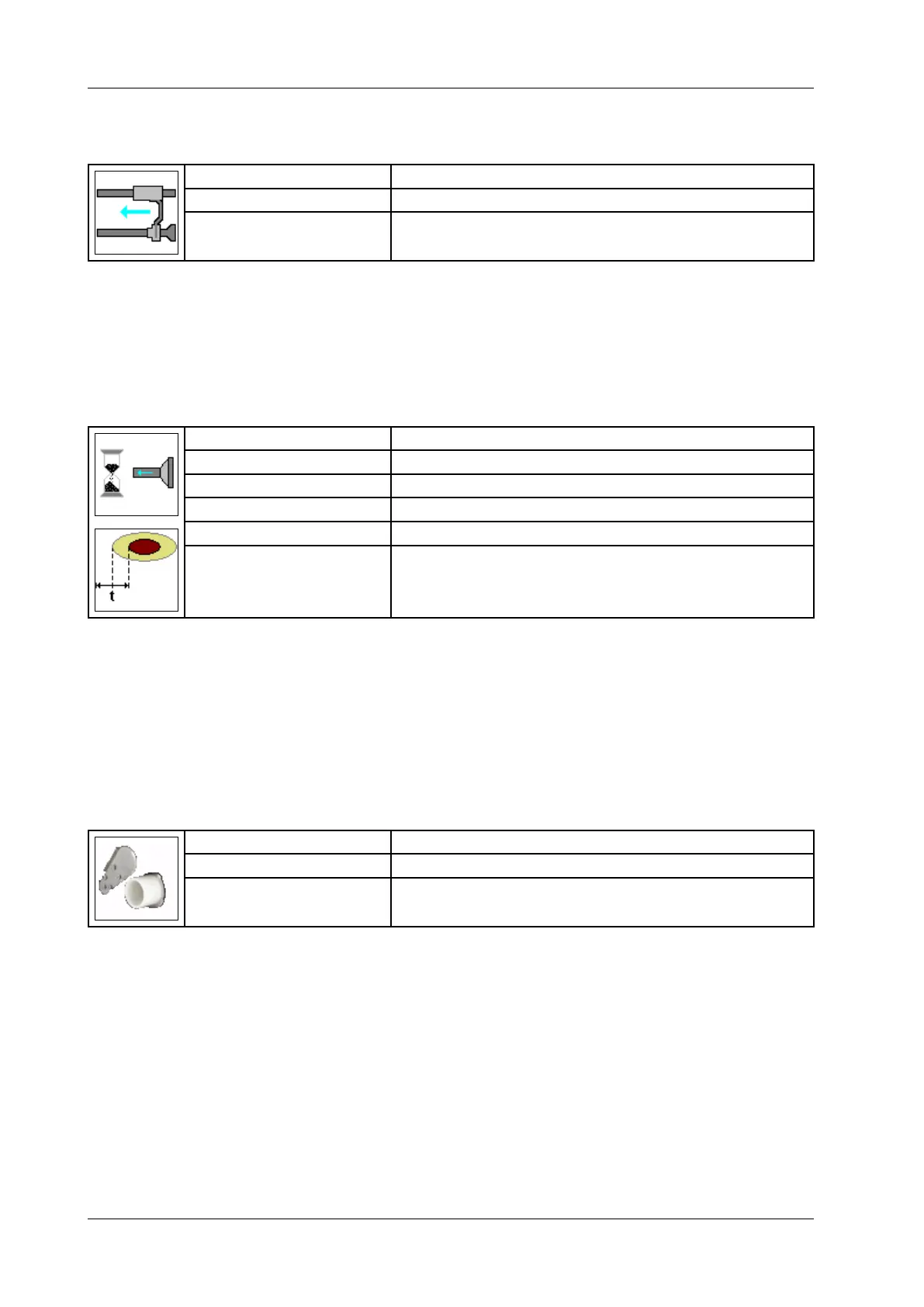
Display: Casing pusher
Selection: Off / On
Application: Automatic casing pusher on DHV 841/
• Switch casing pusher on or off.
• Press Enter.
If you activate this parameter, the lling machine stops when it reaches
the end of the casing.
6.6.4.42 Portion delay
Display: Portion delay
Selection: Off / Time / Signal A-C / Signal S-M / Coex
Unit: Milliseconds [ms]
Resolution: 1 ms
Setting range: 10 – 999 ms
Application: Cutter, coextrusion, diaphragm
• Enter portion delay (e.g. position of inner lling on Coex).
• Press Enter.
You can enter a delay time (positive values) or an advance time (negative
values) for the B machine in the portioning computer of the A machine.
If you select “Signal A-C” or “Signal S-M”, the lling machine starts on a
release signal.
6.6.4.43 Knife (cutter)
Display: Knife
Selection: Portion end closed / Portion end open
Application: Servo cutter 808
• Select whether the knife leaves the outlet open or closes it at the end
of the portion.
• Press Enter.
The portion is only started when the knife has cleared the outlet.



 To Next Page