VideoIQ User Guide44
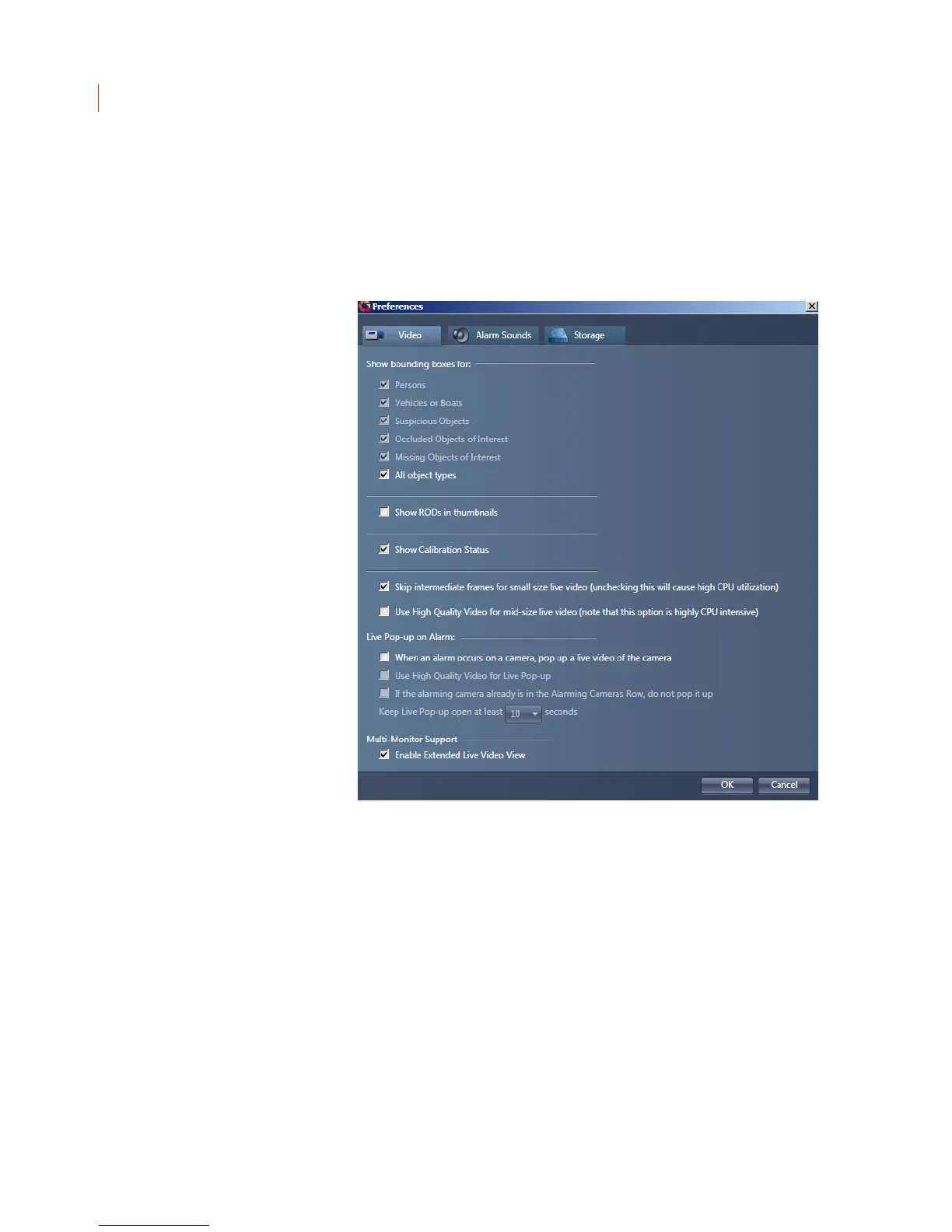
Video
Use the Video tab to determine which types of objects you want to see bounding
boxes for in View; to indicate if you want to see regions of disinterest (RODs) in
thumbnail clips; to indicate if you want to show calibration status, and to enable
live pop-up alarms and multi-monitor support.
Alarm Sounds
On the Alarms tab you can choose to have your PC play sound when a rule is
violated. By default this setting is turned off; to enable it, check Play Sound.
To change the sound file:
1. Highlight the alarm activity.
2. Click the Browse button.
3. Select a new sound file; click Open.
4. Click OK.



 To Next Page