Configuring View Preferences
45
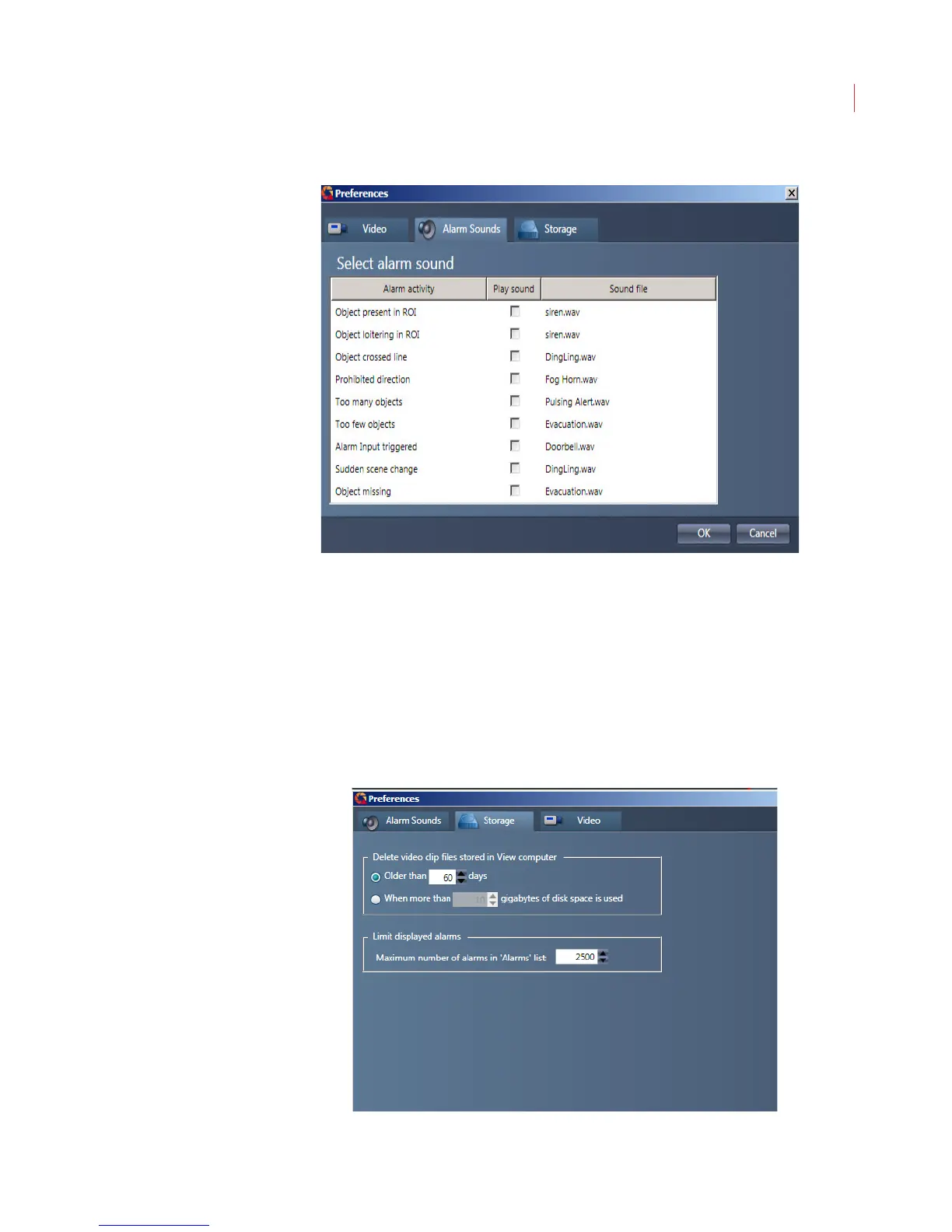
When an alarm is sounding you can stop it by pressing any key on your keyboard
or by acknowledging the alarm via the Alarms screen.
Storage
Use the Storage tab to specify if you want video clips stored on your PC deleted
based on the age of the clip, or when a predetermined amount of storage has
been used. This will not affect the storage of videos in your iCVR.
You can also use this tab to configure the number of alarms you want displayed
on the Alarms page. The maximum number of alarms that can be displayed is
10,000.



 To Next Page