Videojet DataFlex 6530 Operator Manual - Rev AA 5-29
CLARiTY Operating System
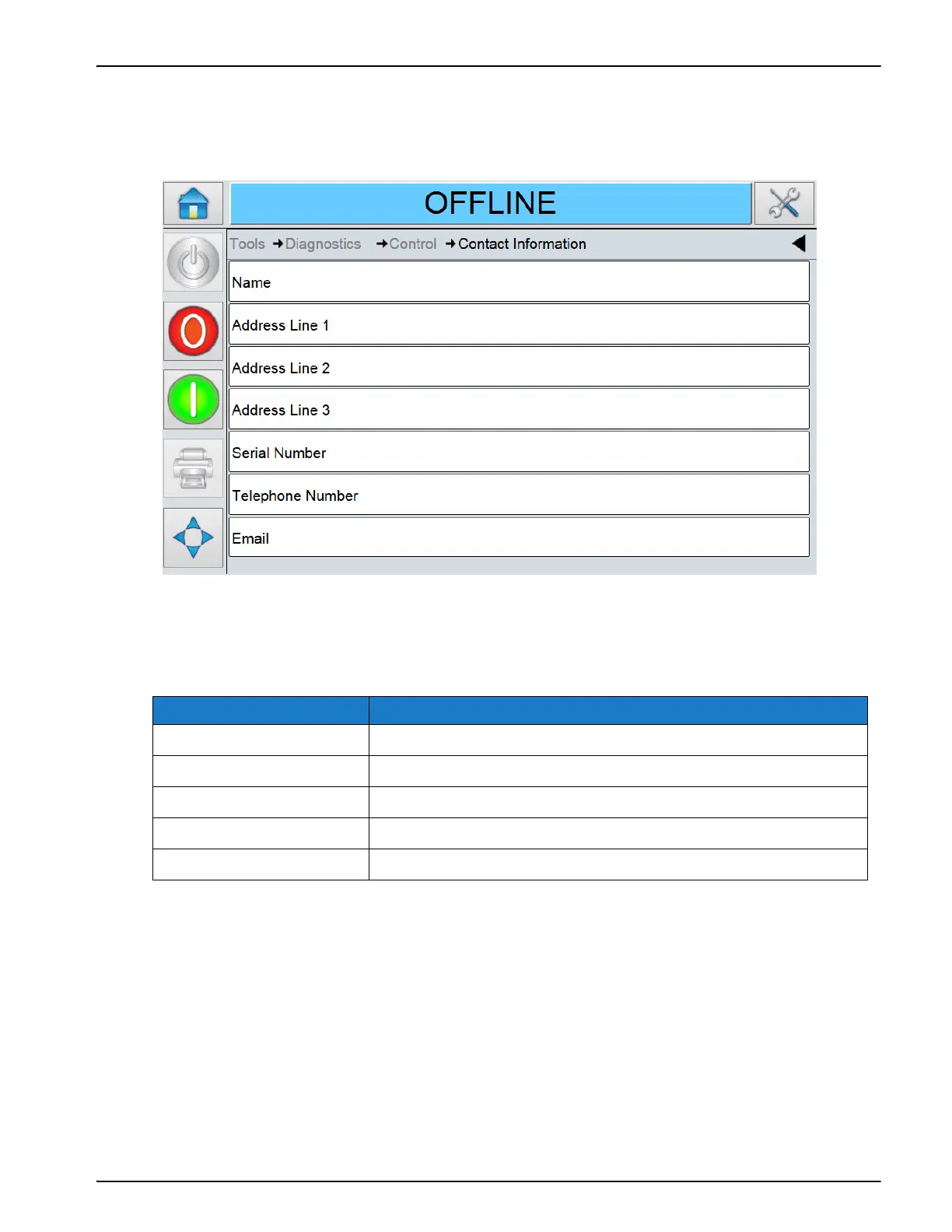
Using the Contact Information Screen
Touch Contact Information on the Control screen to view the parameters (Figure 5-26).
The Contact Information displays the following parameters:
Option Description
Name The name of the customer service contact.
Address Line 1,2,3 The address of the customer service contact.
Serial Number The printer serial number.
Telephone Number The telephone of the customer service contact.
Email The email of the customer service contact.
Table 5-20: Contact Information Screen Description
Figure 5-25: Contact Information Screen



 To Next Page