108
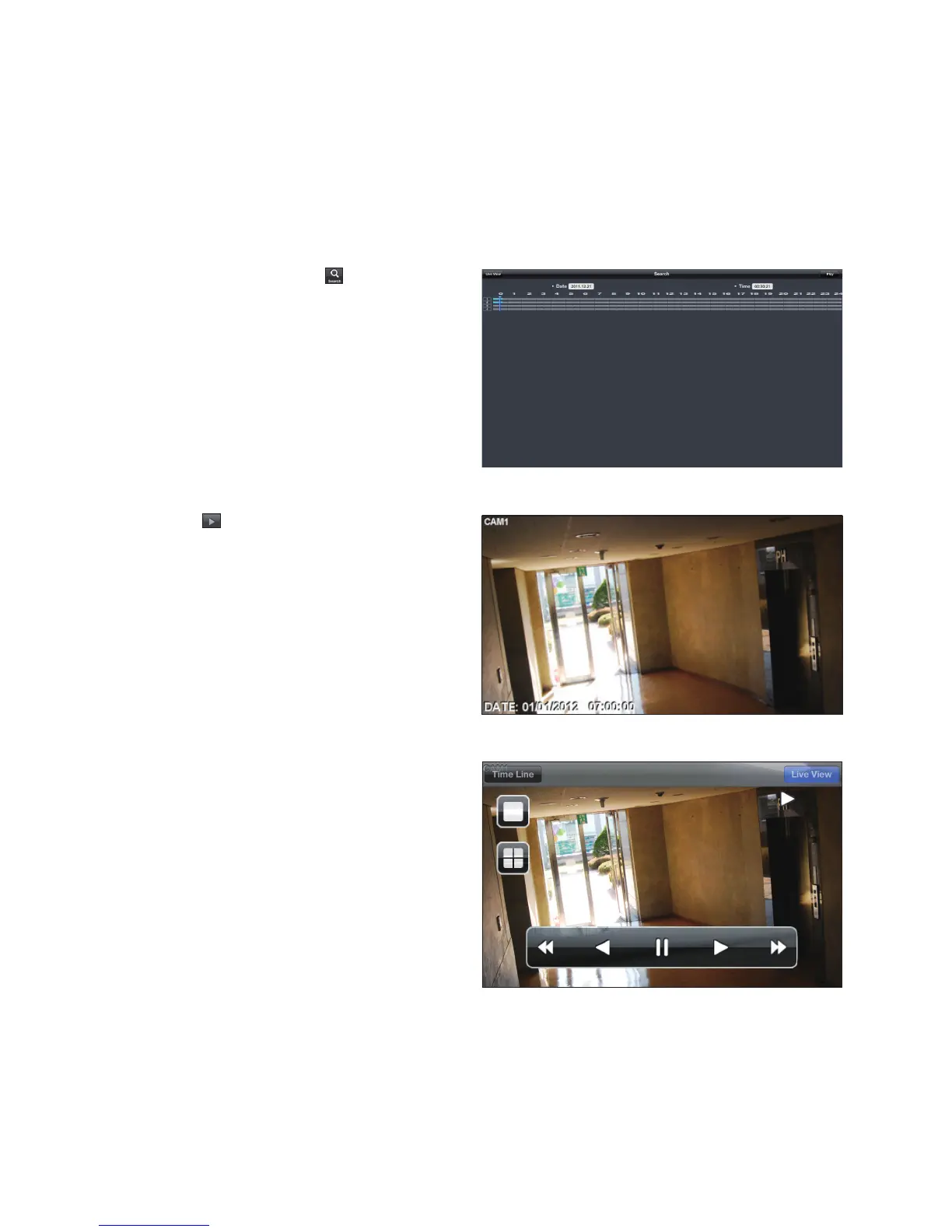
Using the Search function
1.
From the main menu, click < >.
You can view the video of the recording data.
2.
Select a desired time and date.
You can use the vertical time bar to specify the start
time.
3.
Click < > to play the video recorded at the
specified time.
4.
Click any area to display the play bar with which you can
control the playing direction and speed of the video.



 To Next Page