113
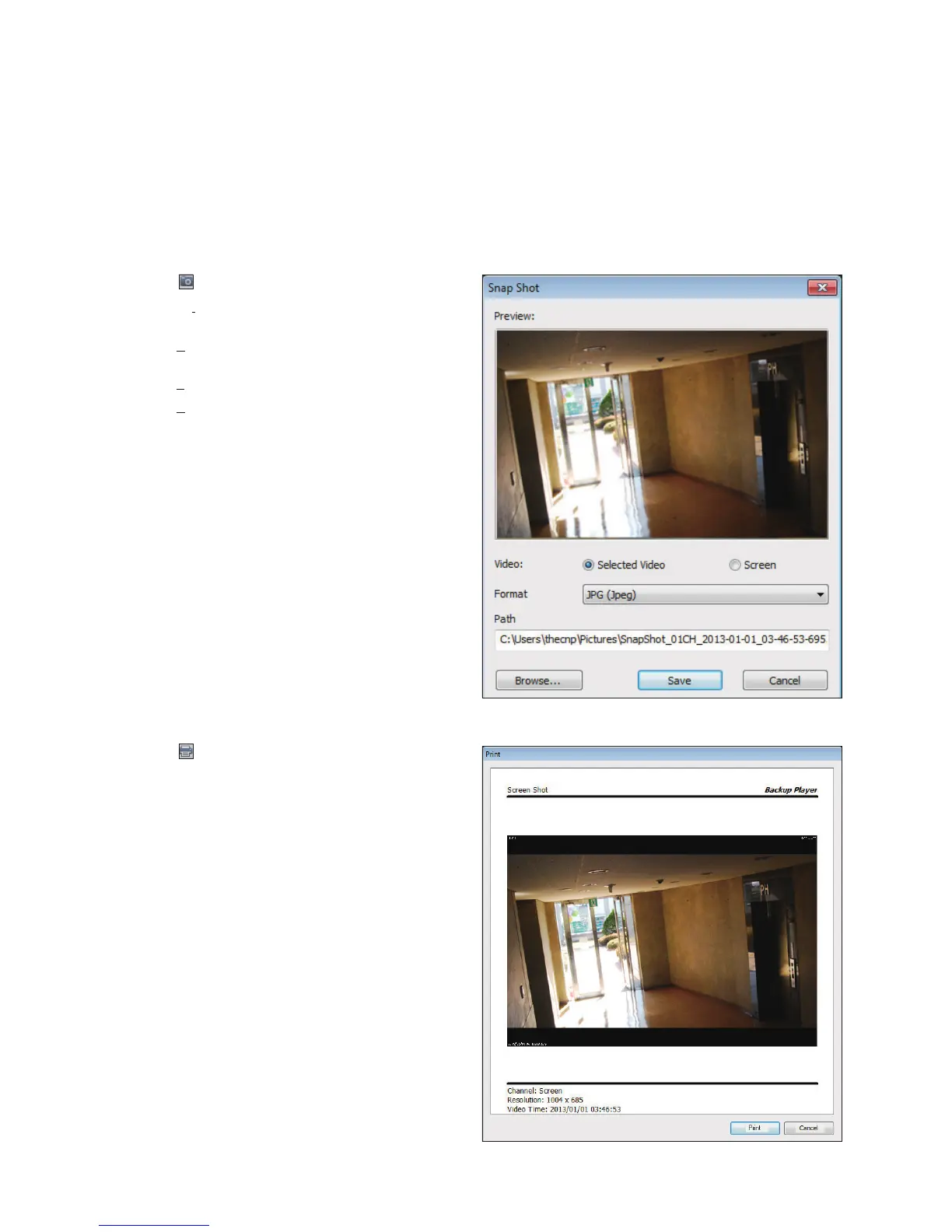
Image Capture
Click < > to capture the current video image.
Selected Video : Capture the actual frame of the
current video.
Screen : Capture the visible portion of the current
video.
Format : Select a saving format.(BMP, JPG, PNG)
Path : Specify the saving path.
-
Default location : My Documents\My Pictures
Print Out
Click < > Button to print out the image.
When the "Print" window appears, check the preview and
click <Print>.



 To Next Page