95
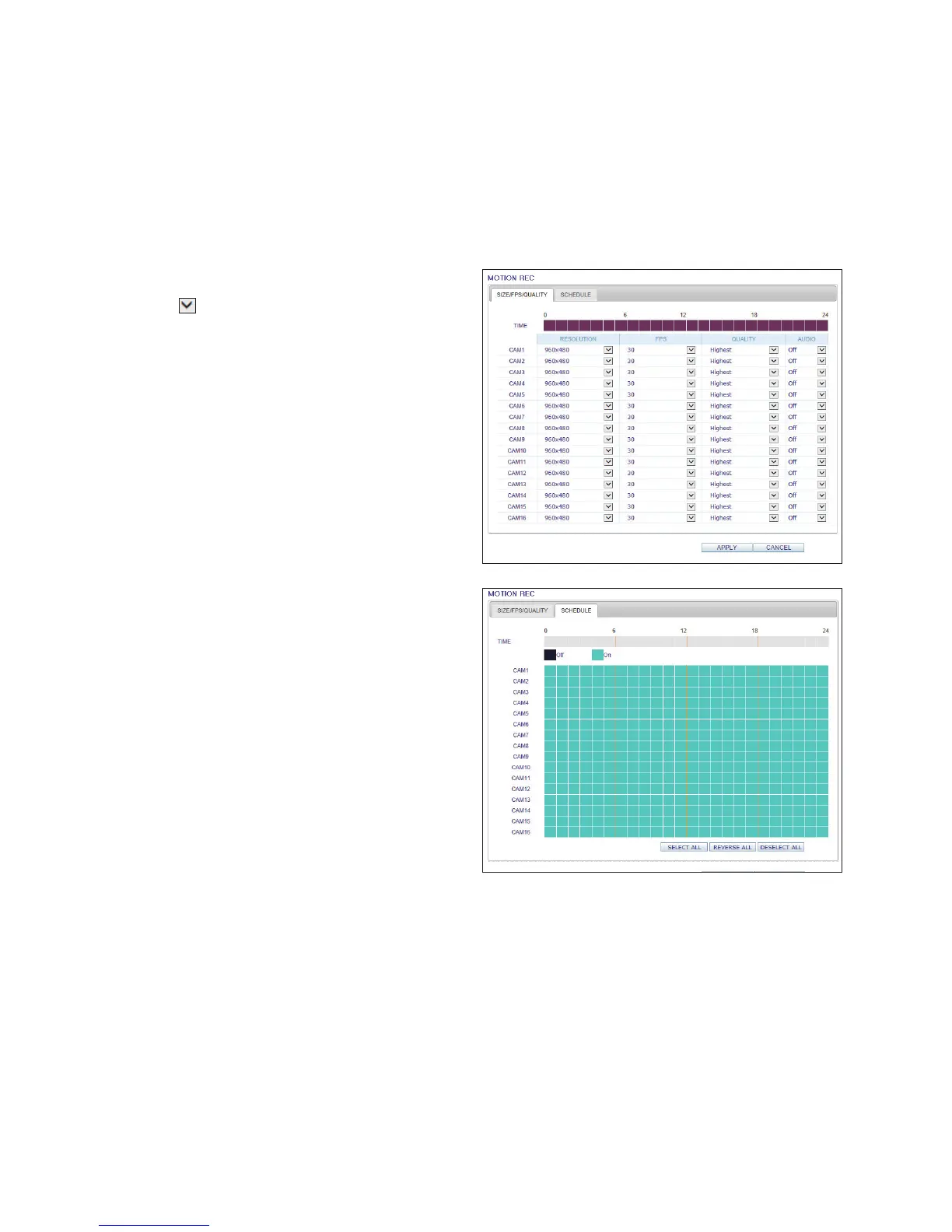
Motion Recording
Set the <SIZE/FPS/QUALITY/AUDIO> and the
<SCHEDULE> to apply if a motion event occurs.
Click < > next to each item to display the list of values
available.
Complete setting the <SIZE/FPS/QUALITY/AUDIO> for the
motion recording as well as the <SCHEDULE>, and click
<APPLY> to apply the changes.
For more information about the motion recording size and
schedule, refer to "Motion Recording" (page 62)



 To Next Page