Installation
18
5.
Communication Port
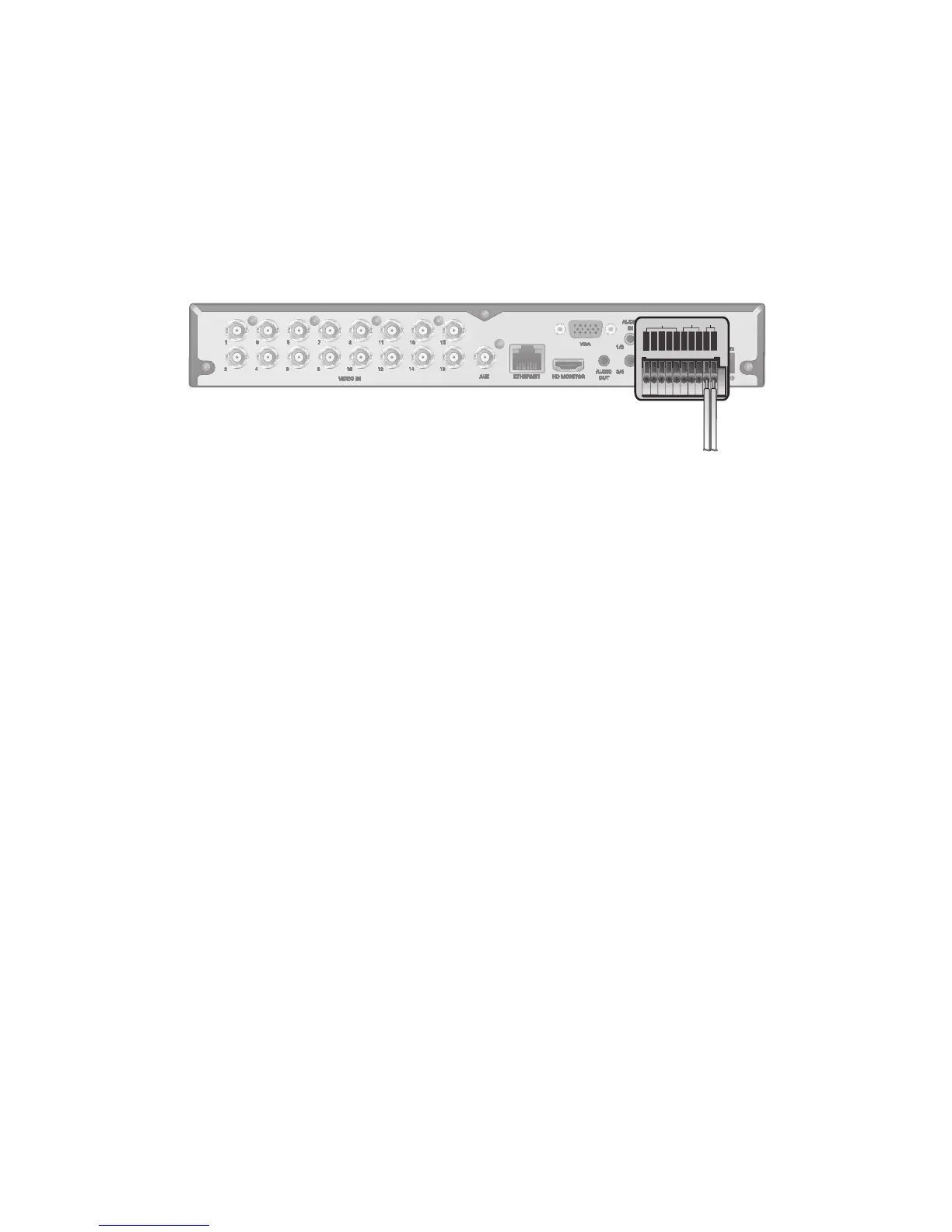
RS-485 Connection
Connect a PTZ Camera or Keyboard Controller.
You can also connect a text-in device such as POS or ATM.
After connecting the control device, be sure to match the connection settings between the DVR and the device.
To change communication settings see <Control Device>. (page 49)
1.
Connect the positive (+) transmission signal cable of the PTZ camera/keyboard controller to the RS-485 [D+]
communication port on the DVR’s rear panel.
1.
Connect the negative (-) transmission signal cable of the PTZ camera/keyboard controller to the RS-485 [D-]
communication port on the DVR’s rear panel.
For RS-485 communication configuration, refer to the user’s manual of the applicable PTZ camera or keyboard
controller.
Connection for POS and ATM (to be included in future firmware upgrade).
Audio Device Connection
Connect an audio input device such as a microphone to the rear Audio In port; connect an audio output device such as an
amplified speaker to the Audio Out port.
Storage and Mouse Connection
USB Device
You can connect and use USB storage devices for backup of recorded video, saving snapshots, firmware updating,
importing/exporting user configurations. In addition, the DVR will accept a USB mouse.
•
If you need to connect a USB HDD with a high power consumption, it is recommended to use a separate power
source for that HDD.
HD MONITOR
VGA
AUX
DC 12V
ETHERNET
VIDEO IN
IN 1
IN 2
GND
IN 3
IN 4
NO
COM
NC
D+
D-
ALARM IN RELAY RS485
PAL
NTSC
3
1
7
5
11
9
15
13
4
2
8
6
12
10
16
14
AUDIO
IN
AUDIO
OUT
1/2
3/4



 To Next Page