107
2.
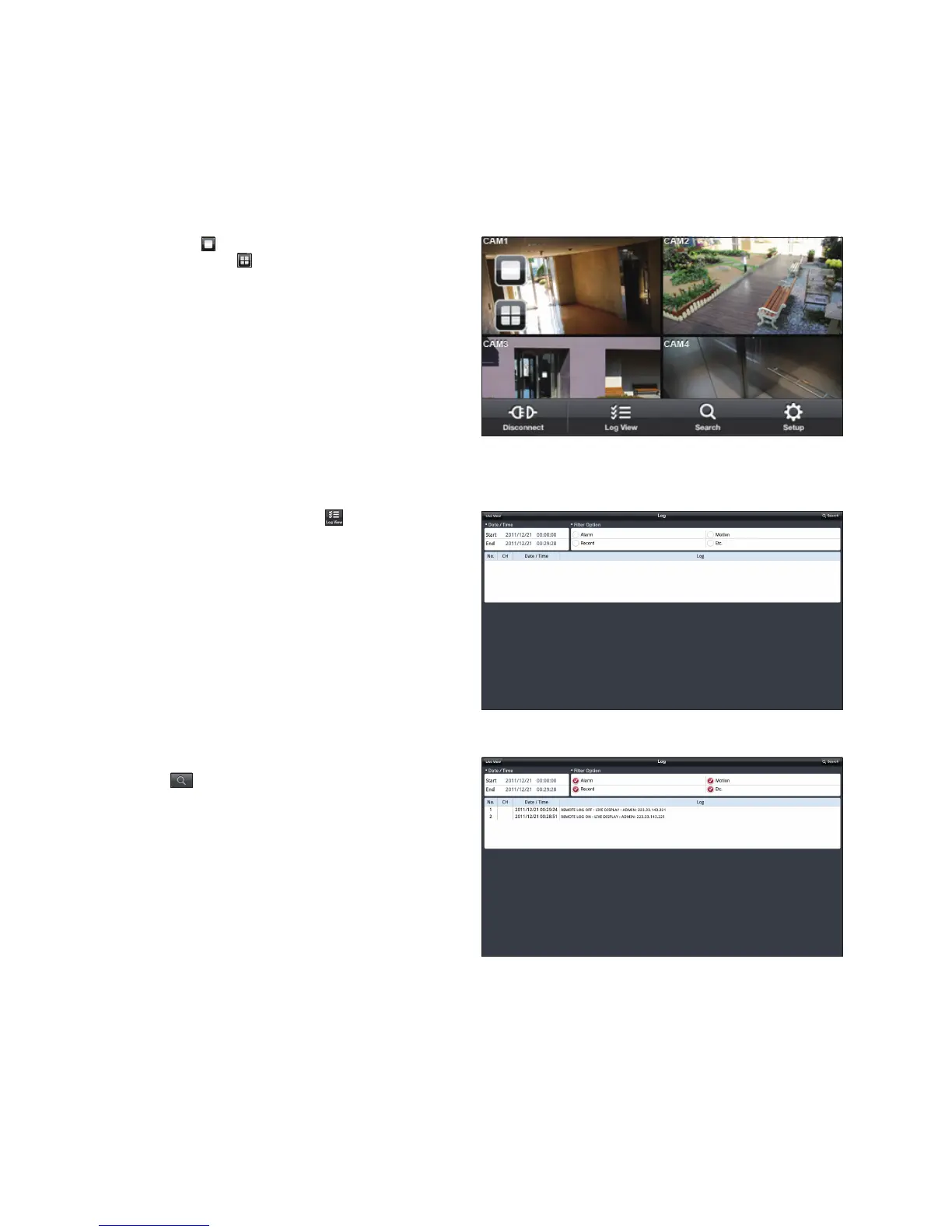
Click < > in the top left corner to switch to 1-split
mode; click <
> to switch to 4-split mode.
scroll the screen to the left or right to move to the next
camera
Using the Log View
1.
From the main menu, click < >.
You can check the log of the data stored.
2.
Select one from Alarm, Motion, Record, Etc. and click
<
>.
You will view the log of related items.



 To Next Page