22
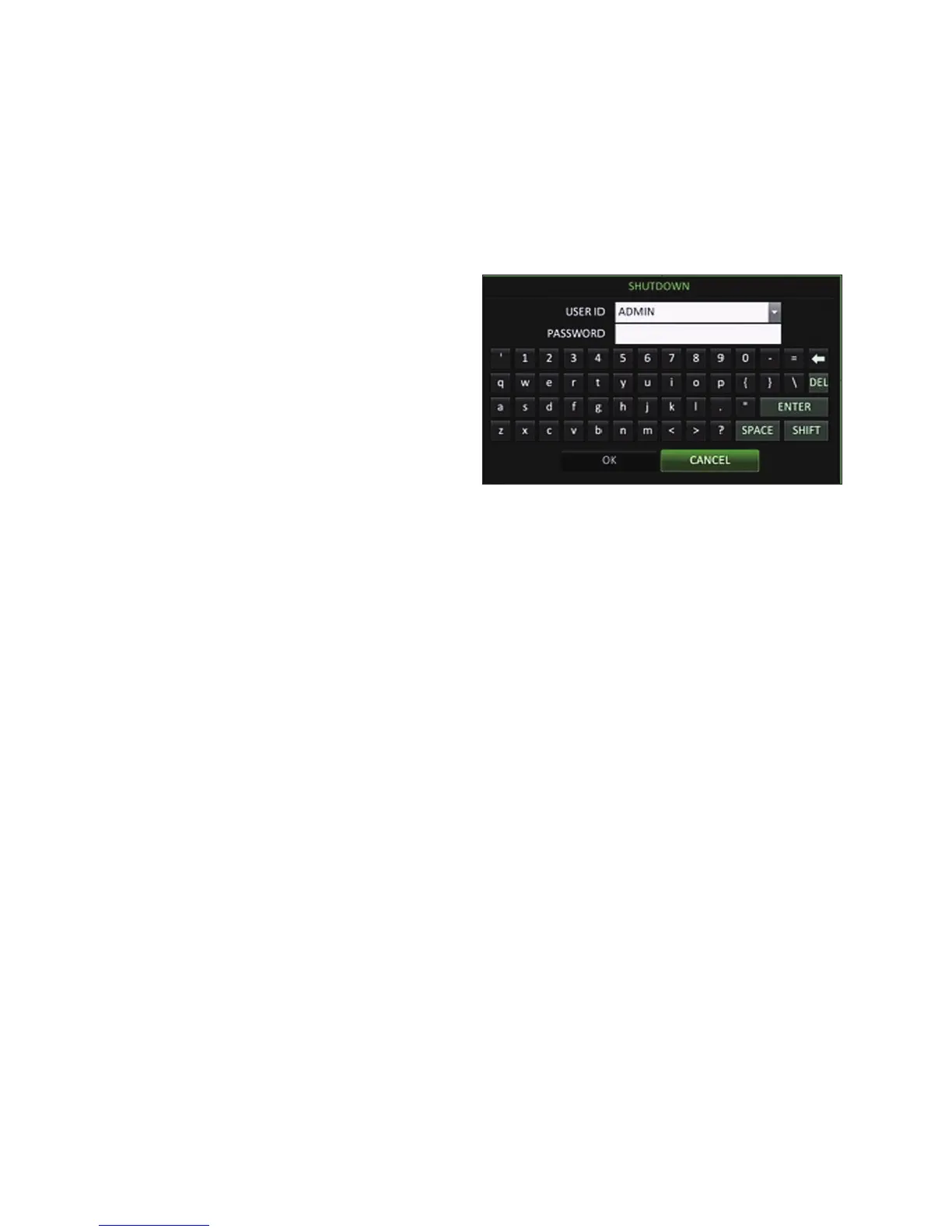
System Shutdown
1.
In the monitoring screen, click <MENU> in the bottom
left corner of the screen to <SHUTDOWN> the system,
or press the [POWER] button on the remote control.
•
If you turn off the system in an abnormal manner such as
removing the power cord while the system is in operation,
the disk can be damaged, causing data loss and shortened
life cycle of the disk.



 To Next Page