110
Archive Viewer
Getting started with the Backup Player
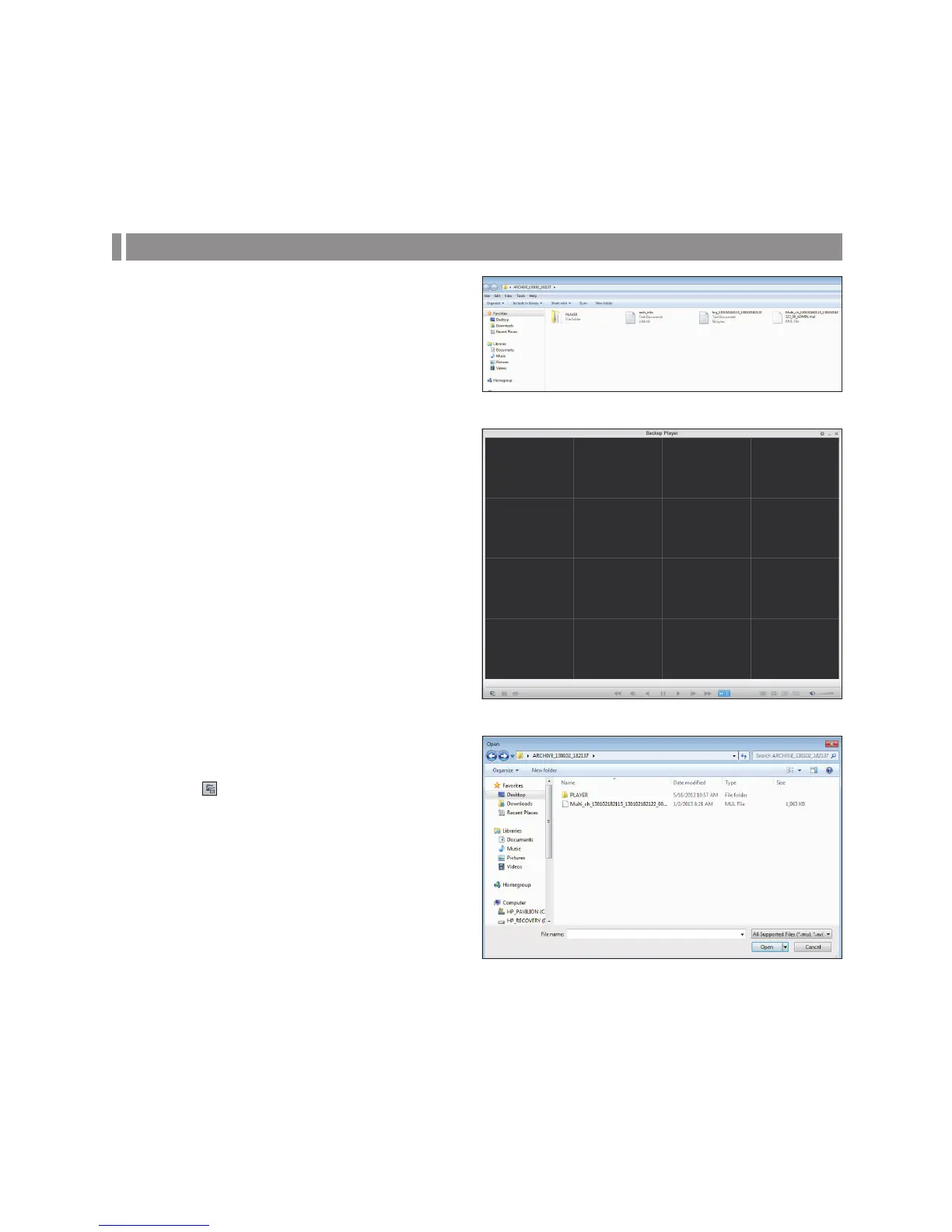
1.
Successfully Archive from the DVR to a USB device (or,
if archiving from the browser, save the file directly to
your PC).
2.
Insert the USB device containg the archived
information into the computer.
3.
Run the Backup Player.
4.
Click < > in the bottom left corner to display the file
browser. Select the archived file to play.
You can play the data archived in the DVR.
You can play the HDD data recorded by the DVR.



 To Next Page