67
Event Search
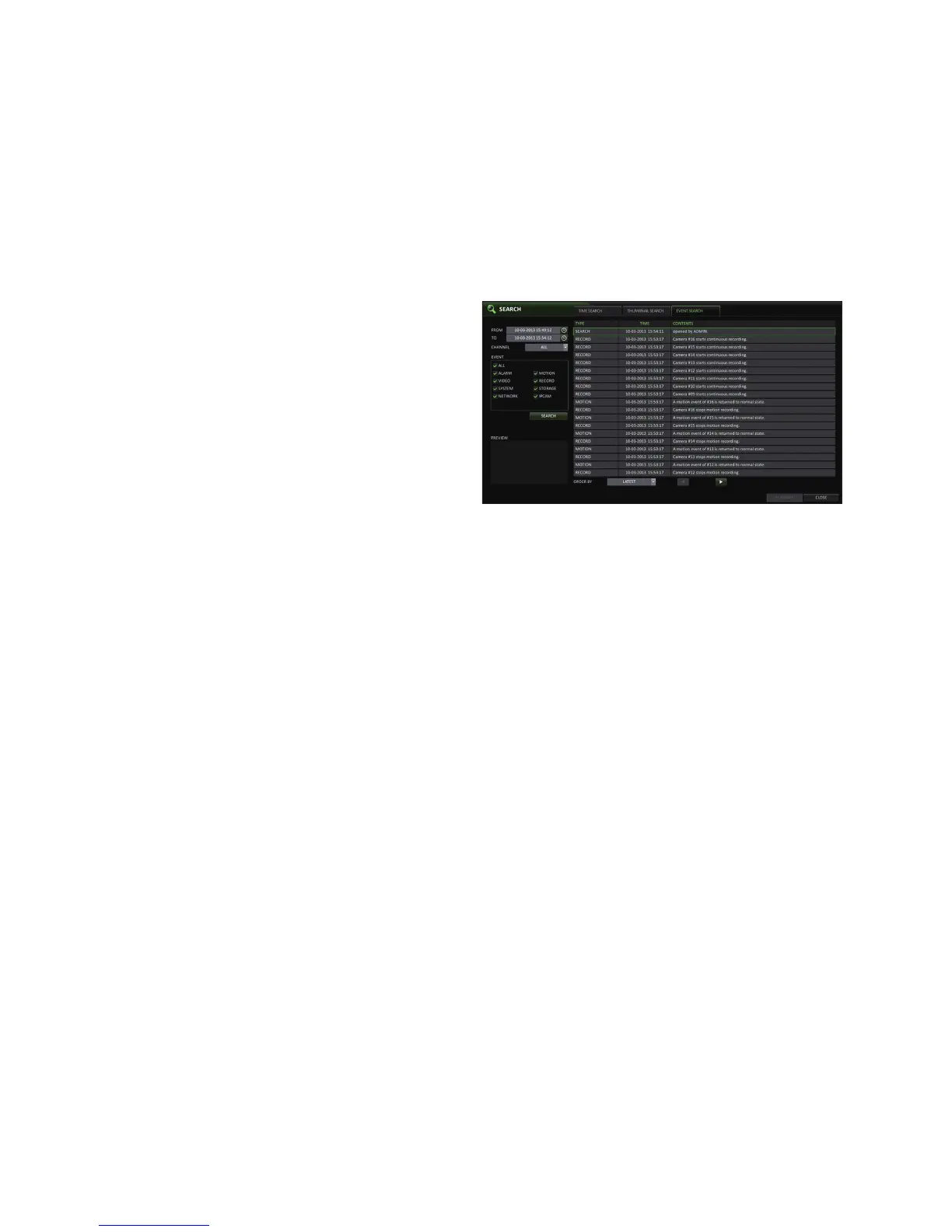
Search for events that occurred at the specified time and select an event to play from the list.
1.
From the <SEARCH> menu, select <EVENT SEARCH>.
2.
Use the [▲▼◀ ▶] buttons or use the mouse to specify
the <START> and <END> times in the left of the event
search list.
3.
Select a channel to search.
4.
Mark the checkbox of the event to search from the
<EVENT> list.
5.
Press the <SEARCH> button.
The search results will be listed as shown.
TYPE : displays the event type.
TIME : displays the recording start time.
CONTENTS : shows the details of the event found.
ORDER BY : If you select <OLDEST>, the list will be sorted with the earliest one on top.
6.
Double-click a desired event or click <PLAY> in the lower right corner to move to the play screen.
7.
If you want to stop playing and return to the search screen, press [EXIT] or [SEARCH] on the remote control.
You can also click <MENU> in the lower left corner and select a desired menu.



 To Next Page