82
Setup
Click <SETUP> to display the setup control screen for the DVR.
When done, click <APPLY> to apply the changes.
If the DVR's menu is being configured locally, the remote setup will be disabled.
Setup Viewer at a Glance
Camera
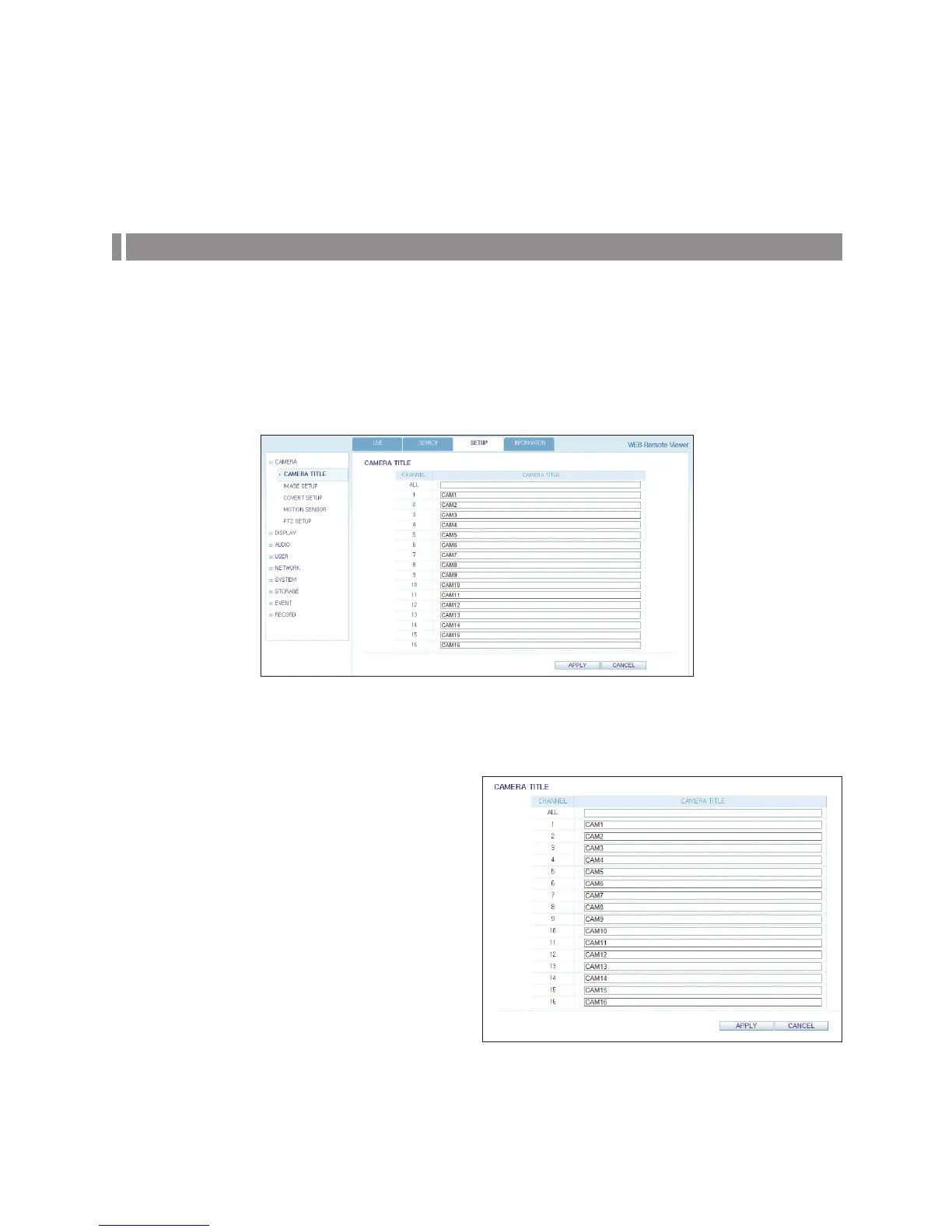
Name the camera title
You can name the camera title that is displayed on each
channel screen. Select a channel to name and provide a
new title. Then, click <APPLY> to apply it.
You can enter up to 8 alphanumeric characters for the
camera title.



 To Next Page