87
Network
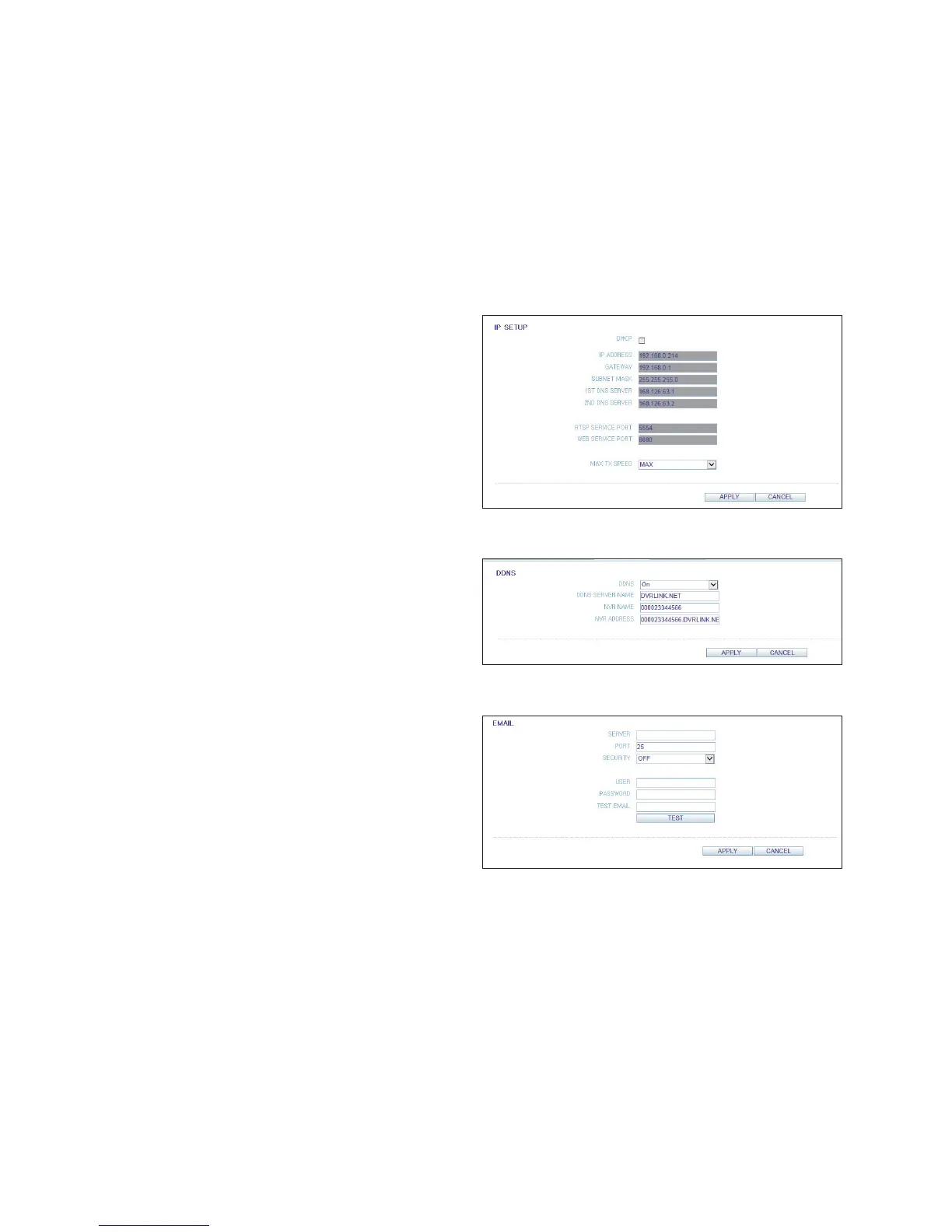
Network Setting
You can check the network connection status and change
the baud rate.
Change the maximum transfer rate and click <APPLY> to
apply it.
For more information about each network entry, refer to "IP
Setup" (page 43)
DDNS Setting
You can configure the DDNS settings.
Change the DDNS settings and click <APPLY> to apply
the changes.
Email Setting
You can register and test an email address so that an email notification is delivered at a specific interval or if an event
occurs.
Provide the necessary information and click <APPLY> to
apply it.
For more information, refer to "Email" (page 44)



 To Next Page