76
Live
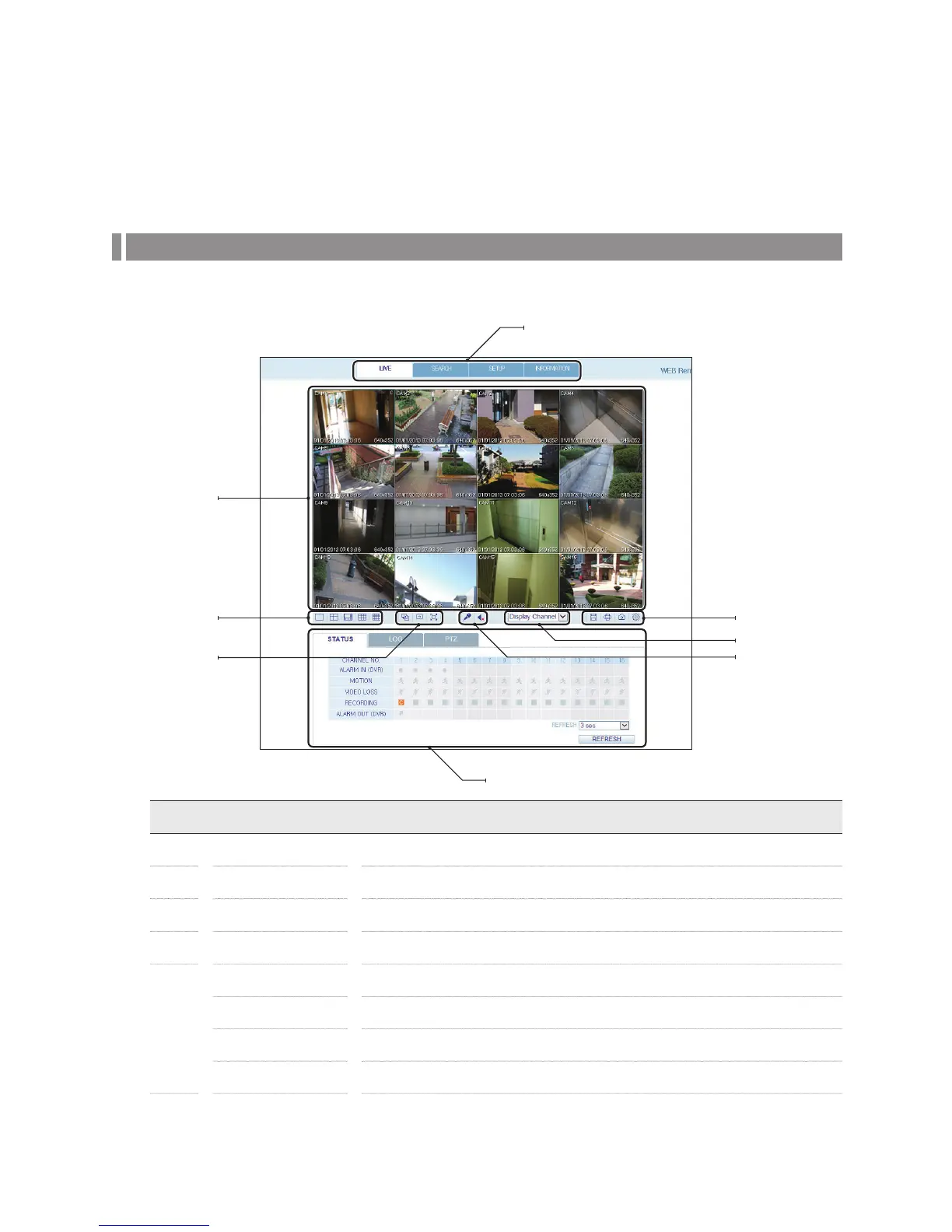
Live Screen At a Glance
No. Item Description
a
View selection tab You can switch to the live, playback and setup screen and check the provided information.
b
Live Display the live screen of the currently connected DVR.
c
Split Mode Select and switch to a desired split-screen mode.
d
Sequence Set the sequence mode, switch to the next camera or select the full screen mode.
e
Status Show the connection status of each channel.
Log Show the log.
Refresh Time Set the interval at which the DVR Status is refreshed.
Refresh Load the DVR Status immediately.
e
f
d
g
h
c
b
a



 To Next Page