77
No. Item Description
f
Voice transmission You can turn on or off the output of the voice signal.
g
Channel Select a channel to view.
h
Save Save the live video on the screen.
Print Print out the current screen.
Capture Capture the selected image.
ActiveX Settings Configure the ActiveX settings or specify the default save location for archiving.
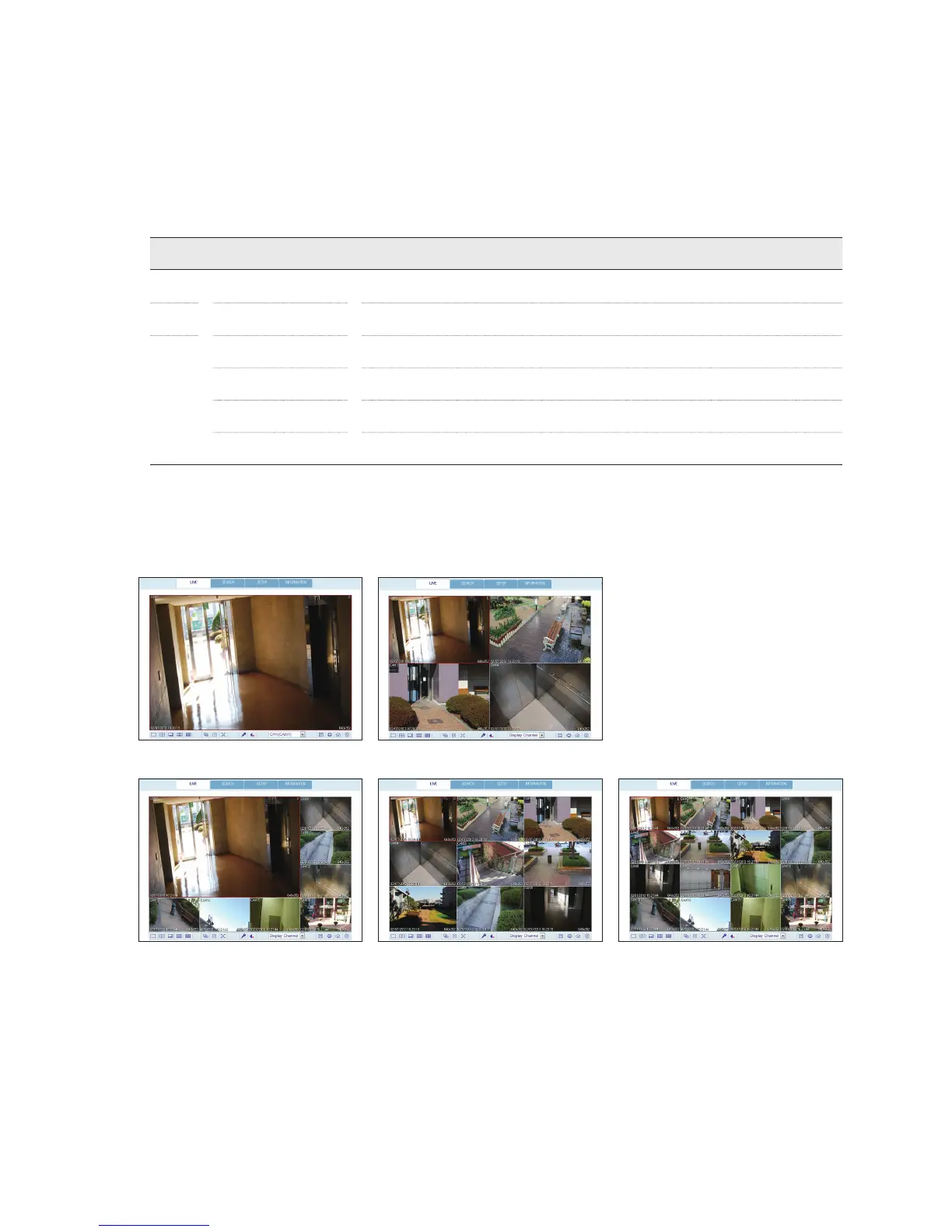
Switching the split mode
Click the Switch button to switch the mode as follows:



 To Next Page