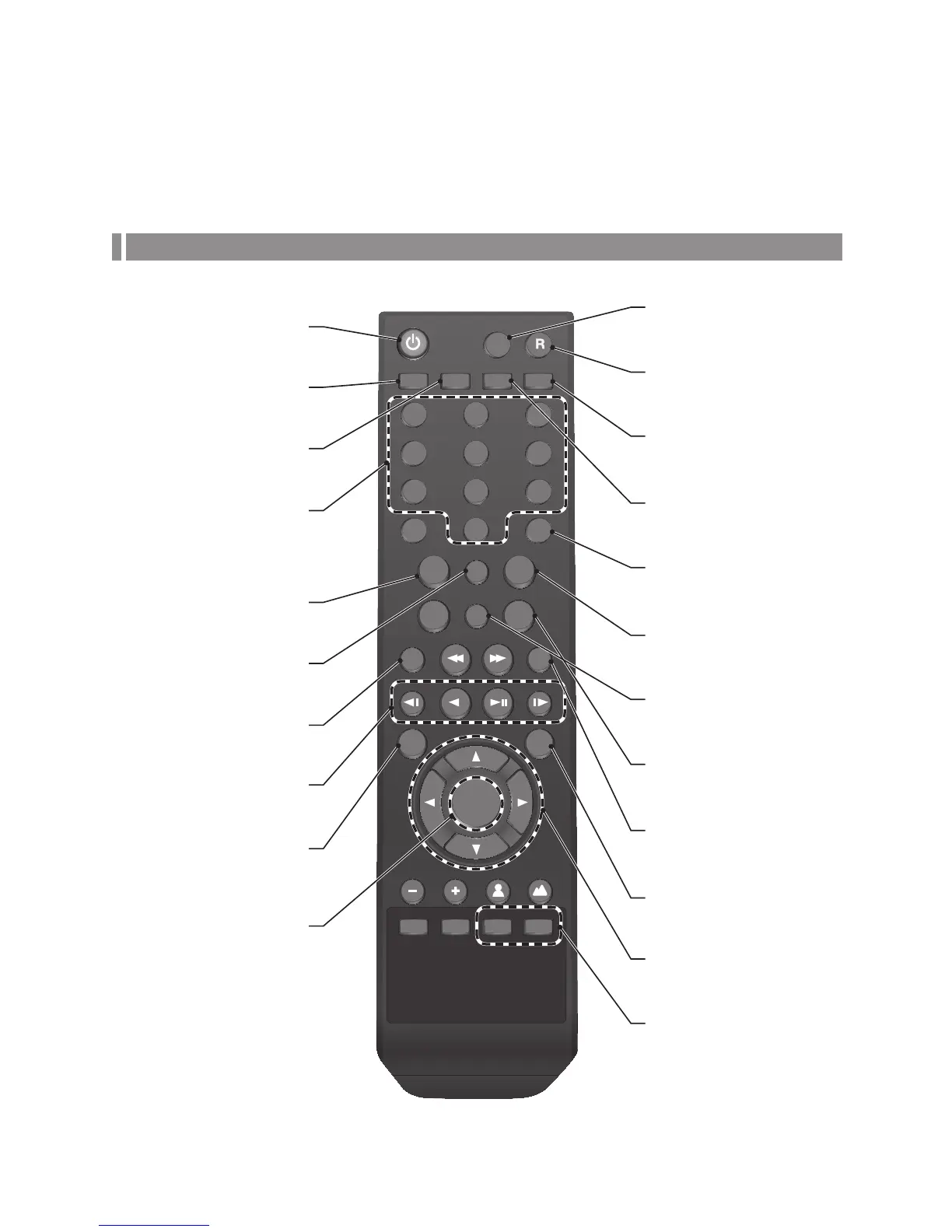
Remote Control At a Glance
LOGOUT
SEARCH
DISPLAY
FREEZE
PREV / NEXT
SNAPSHOT
W
PRESET AF
T
ZOOM
ZOOM PTZ
FOCUS
N F
RESERVE
KEYLOCK AUDIO
SEQ LOG
ARCHIVE SETUP ALARM
PANIC
1 2 3
4 5 6
7 8 9
+10
0
ID
EXIT
MENU
ENTER
POWER
LOGOUT
Log out.
ARCHIVE
Display the backup window.
PANIC
Start the emergency recording.
SEARCH
Display the search window.
ALARM
Show the alarm status with a popup
window.
DISPALY
Switch the split mode.
NUMBER BUTTONS
Channel selection buttons in live or
playback mode. Or used for entering
the password.
SETUP
Display the system setup menu.
ID
Set the remote control ID.
SEQ
Switch to sequence mode.
RESERVE
Reserve the current video.
AUDIO
Display the audio channel selection
window.
LOG
Display the log list.
SNAPSHOT
Take a snapshot of the video.
MENU
Display the tool bar on the live screen.
PLAY CONTROLS
Used to change the direction or adjust
the play speed in playback mode.
KEYLOCK
Lock any operation on the unit.
EXIT
Exit from the current screen and
return to the previous screen.
UP, DOWN, LEFT, RIGHT
Use to move through the menus.
ENTER
Select a menu item or apply your
settings.
PTZ/ZOOM
Enter the PTZ or digital zoom mode
and control the operation.



 To Next Page