83
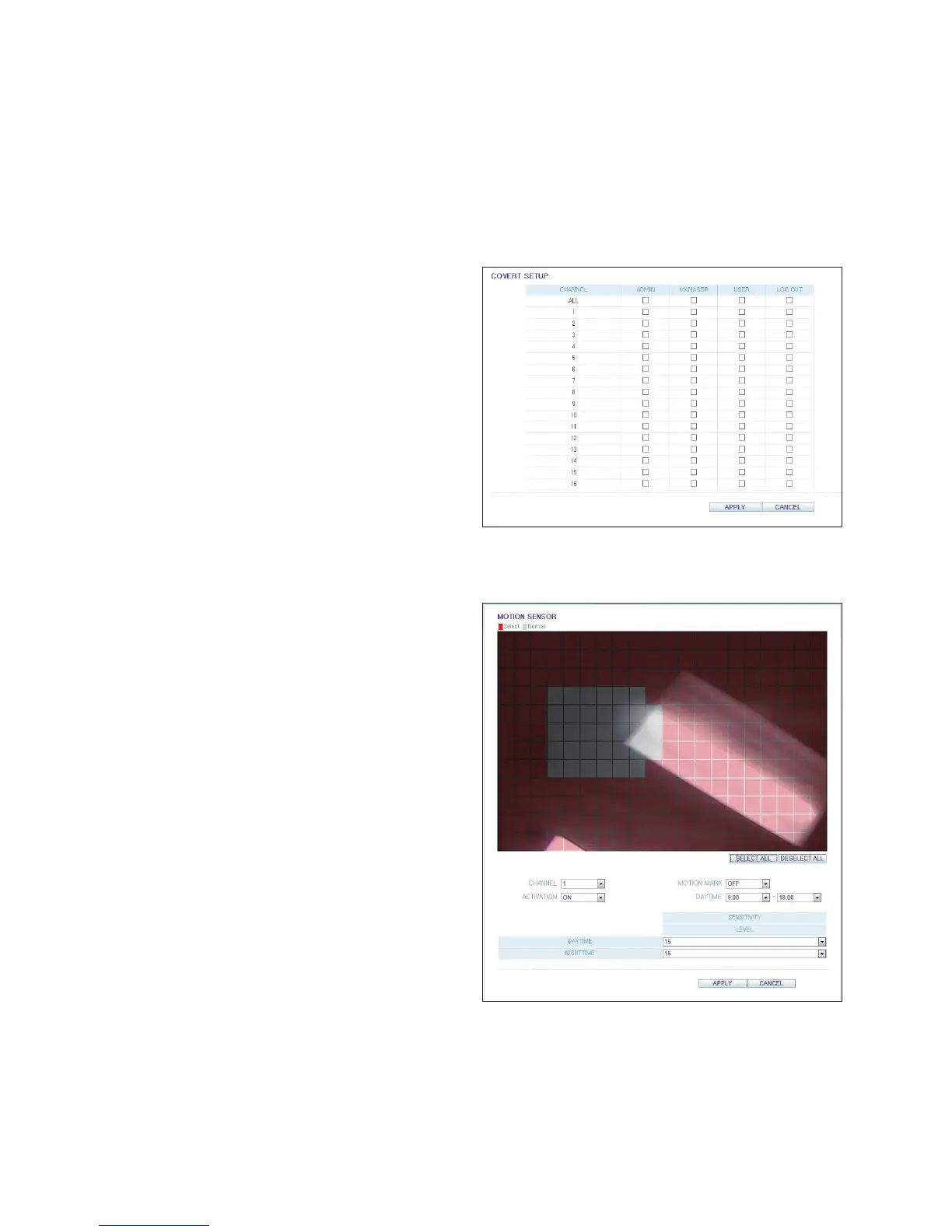
Covert Setting
You can hide video from a specific camera from specific
user groups. Set to hide the camera video so that a specific
user or user group can not view. NOTE: To hide video
from specific users, move to the <USER> menu and make
necessary changes.
When done, click <APPLY> to apply the changes.
Motion Setting
Configure the motion detection feature of each camera.
Set the detection areas, as well as the sensitivity levels for
daytime and nighttime.
Select a channel. Set the mask area and activation and
specify the daytime range.
When done, click <APPLY> to apply the changes.
For information about how to set the motion area, refer to
"Motion Area Setup". (page 33)



 To Next Page