31
Camera Setting
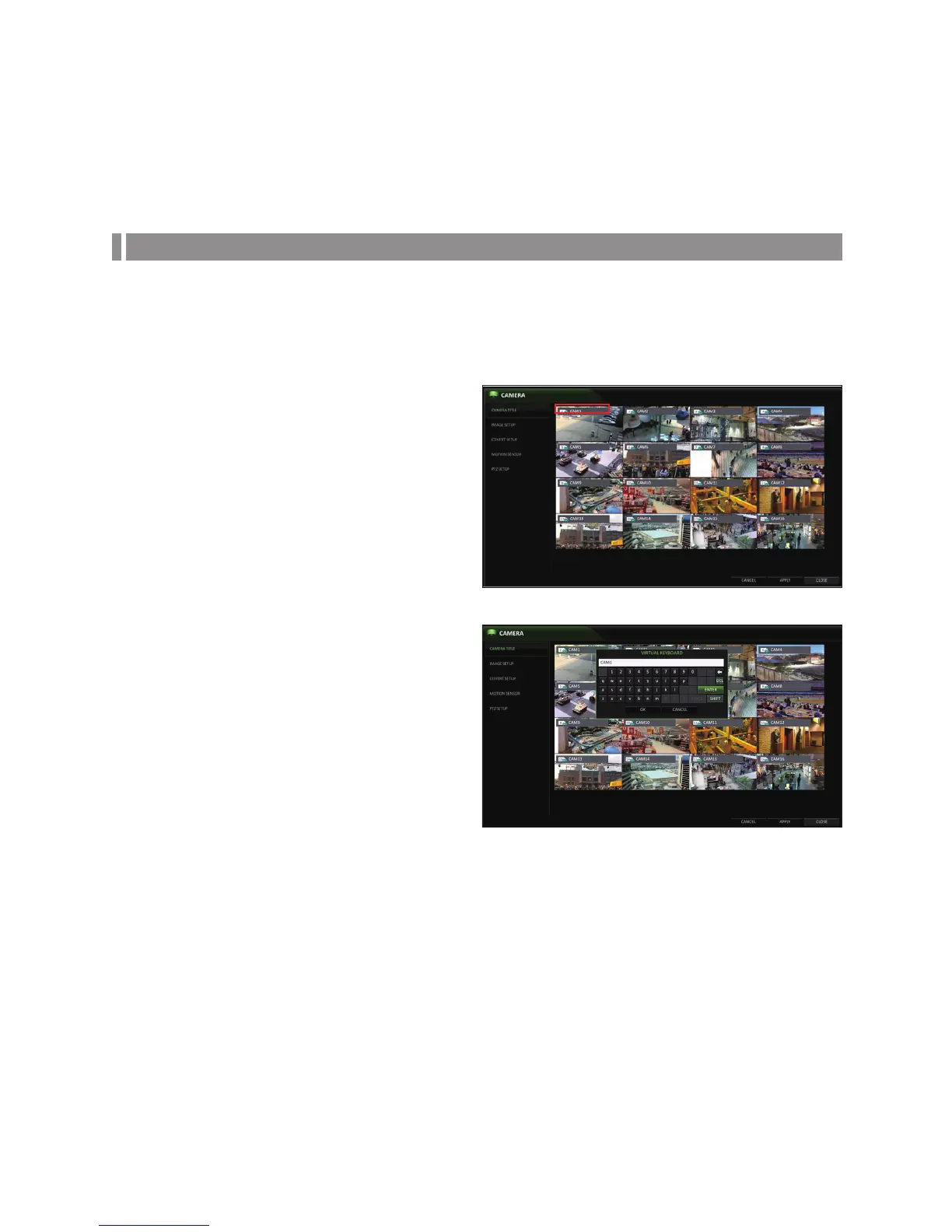
You can configure the display settings of: camera title, hidden option, motion and camera type.
CAMERA TITLE
You can change the camera ID that is displayed on the screen.
1.
From <SYSTEM SETUP> - <CAMERA>, select
<CAMERA TITLE>.
2.
Use the [▲▼◀ ▶/ENTER] buttons on the remote control
or use the mouse to select a channel that you want to
rename.
Alternatively, simply double-click the camera to
rename from the top left corner.
3.
Once the virtual keyboard appeared, select desired
alphanumeric characters to complete your input, and
press the <OK> button.
The <SHIFT> key toggles letter case.
4.
To apply the change, click <APPLY> at the bottom
of the screen.
5.
When done, press the [EXIT] button on the remote
control or click <CLOSE> in the lower screen. A
confirmation message appears and you will return to
the previous menu.
Camera titles can be up to 8 characters, combining numbers and upper/lower case letters.
System Setting



 To Next Page