89
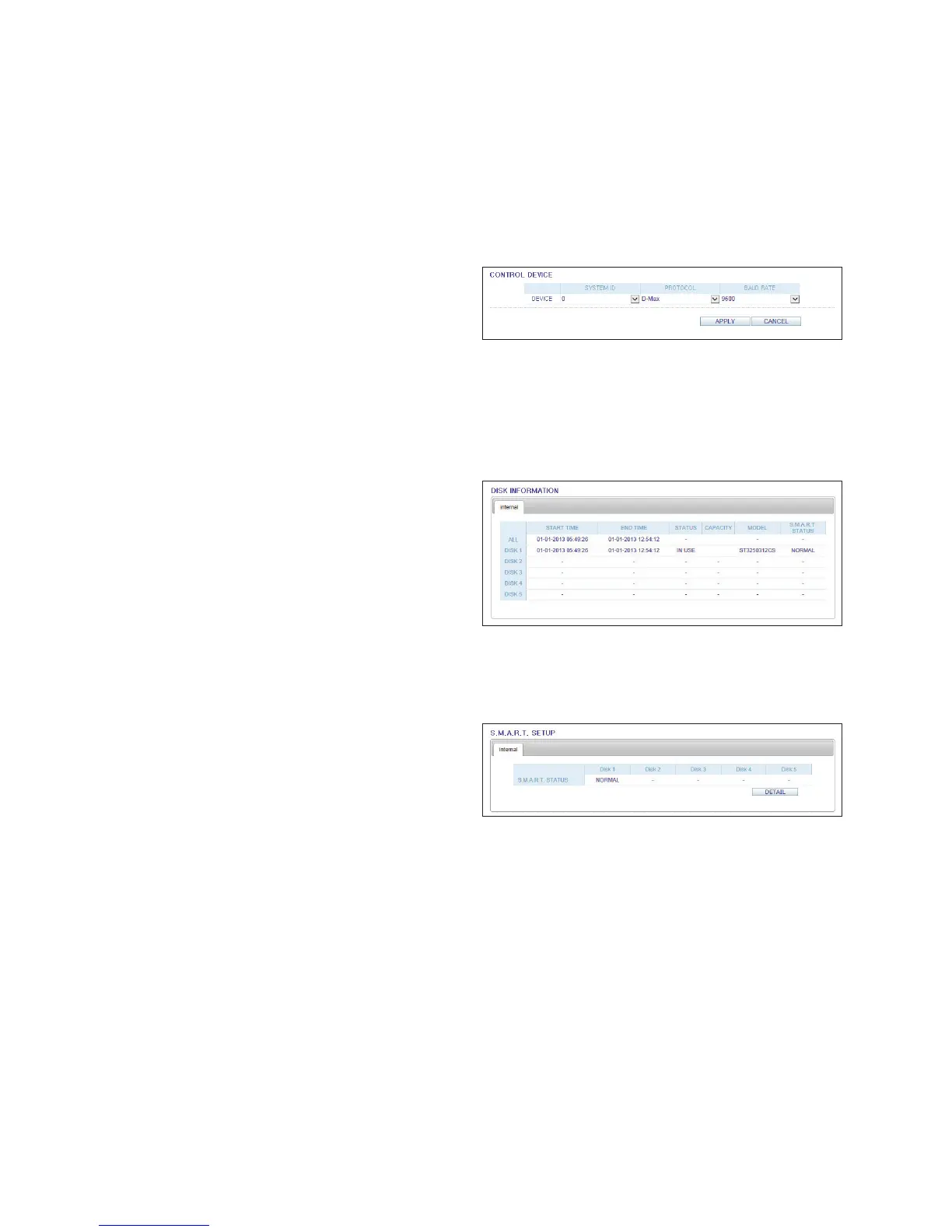
Control Device Setting
Configure the keyboard controler.
Change the communication settings and click <APPLY> to
apply the changes.
For more information, refer to "Control Device". (page 49)
Storage
Device Information
Internal storage devices physically installed in the DVR and their recording time information are displayed.
S.M.A.R.T Status
The detailed S.M.A.R.T information of each internal storage device is displayed.
What is S.M.A.R.T?
This is a sort of HDD self-diagnosis tool that detects any
error on the system and alerts the user if an error occurs.
For more information, refer to "S.M.A.R.T." on page 51



 To Next Page