88
System
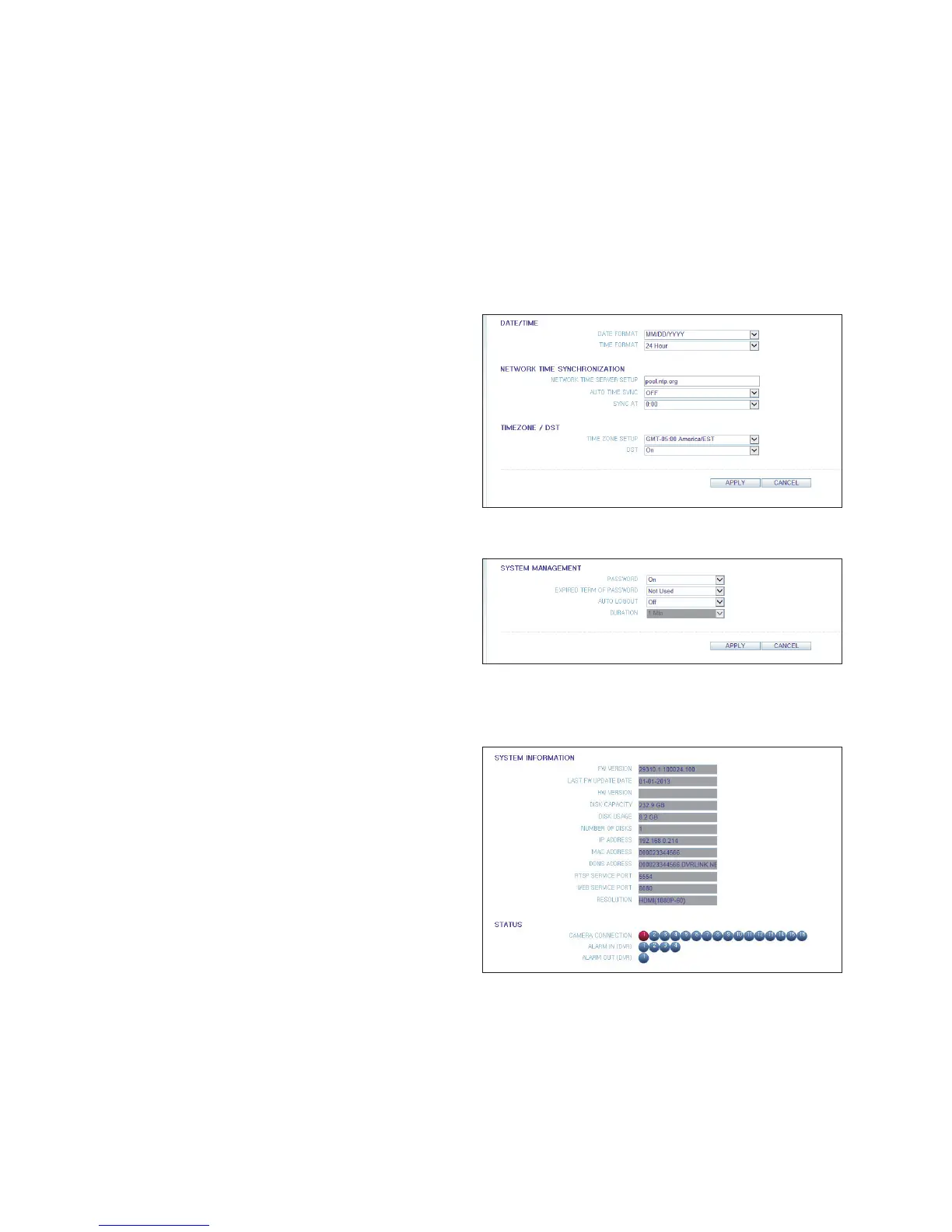
Date/Time Setting
Specify the current date and time.
When done, click <APPLY> to apply the changes.
For more information about each of the time and date
settings, refer to "Date/Time" (page 46)
System Management
You can configure the access settings of: log in, log out,
and auto logout.
For more information , refer to "System Management"
(page 47)
System Information
You can check the system firmware version, disk space, and network settings, as well as the camera connections and
alarm I/O.



 To Next Page