48
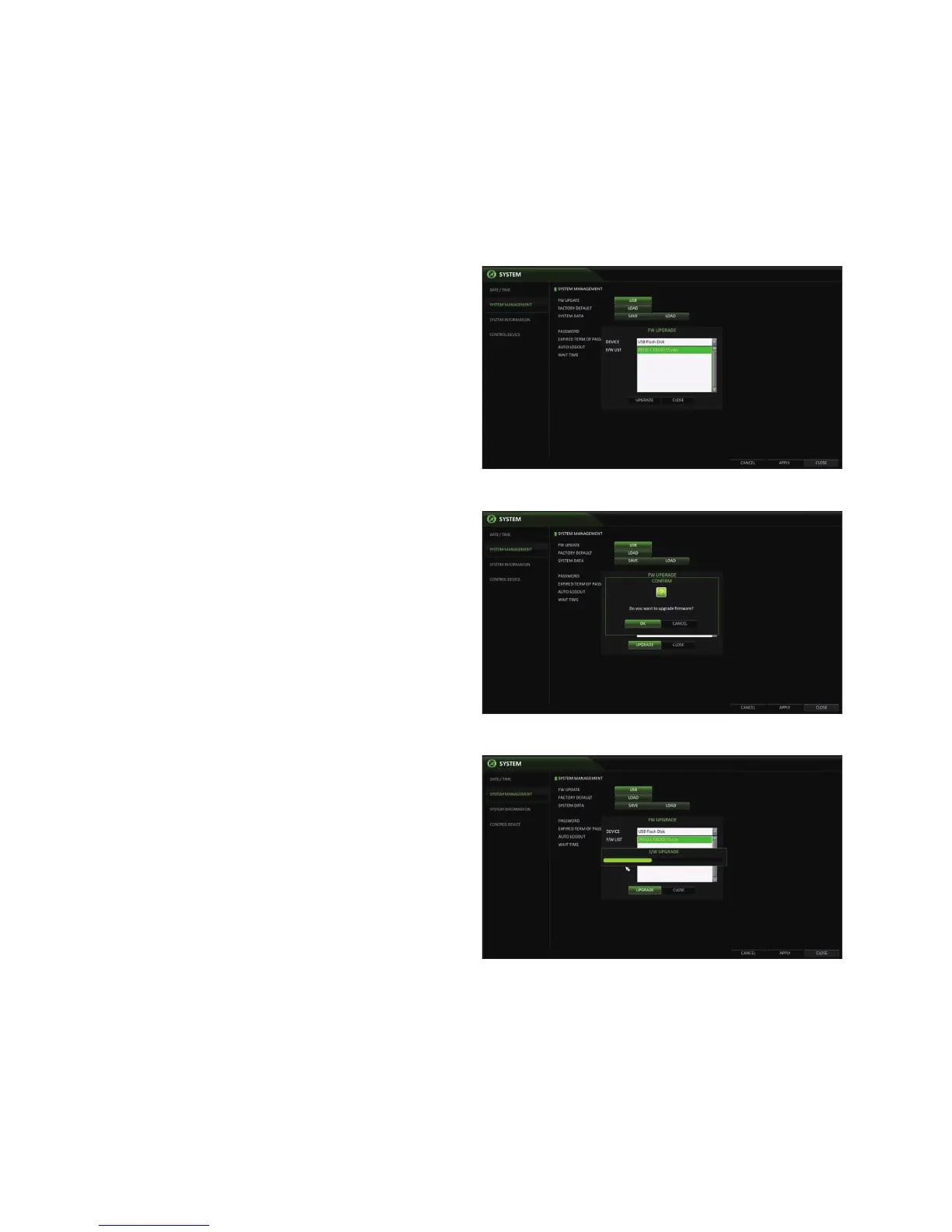
To perform an upgrade
1.
Connect the USB storage device that contains the
updatable files.
2.
Click <USB>.
3.
Select the file listed in <F/W LIST>.
4.
Click <UPGRADE>.
5.
When the confirmation message appears, click <OK>.
6.
The progress bar displays the progress of the firmware upgrade.
7.
When the upgrade is complete, reboot the system.
•
During the updating, never turn off the DVR forcibly or
disconnect the USB storage device to avoid serious
damage to the product or data. If required, consult your
nearest service center for professional assistance.



 To Next Page