91
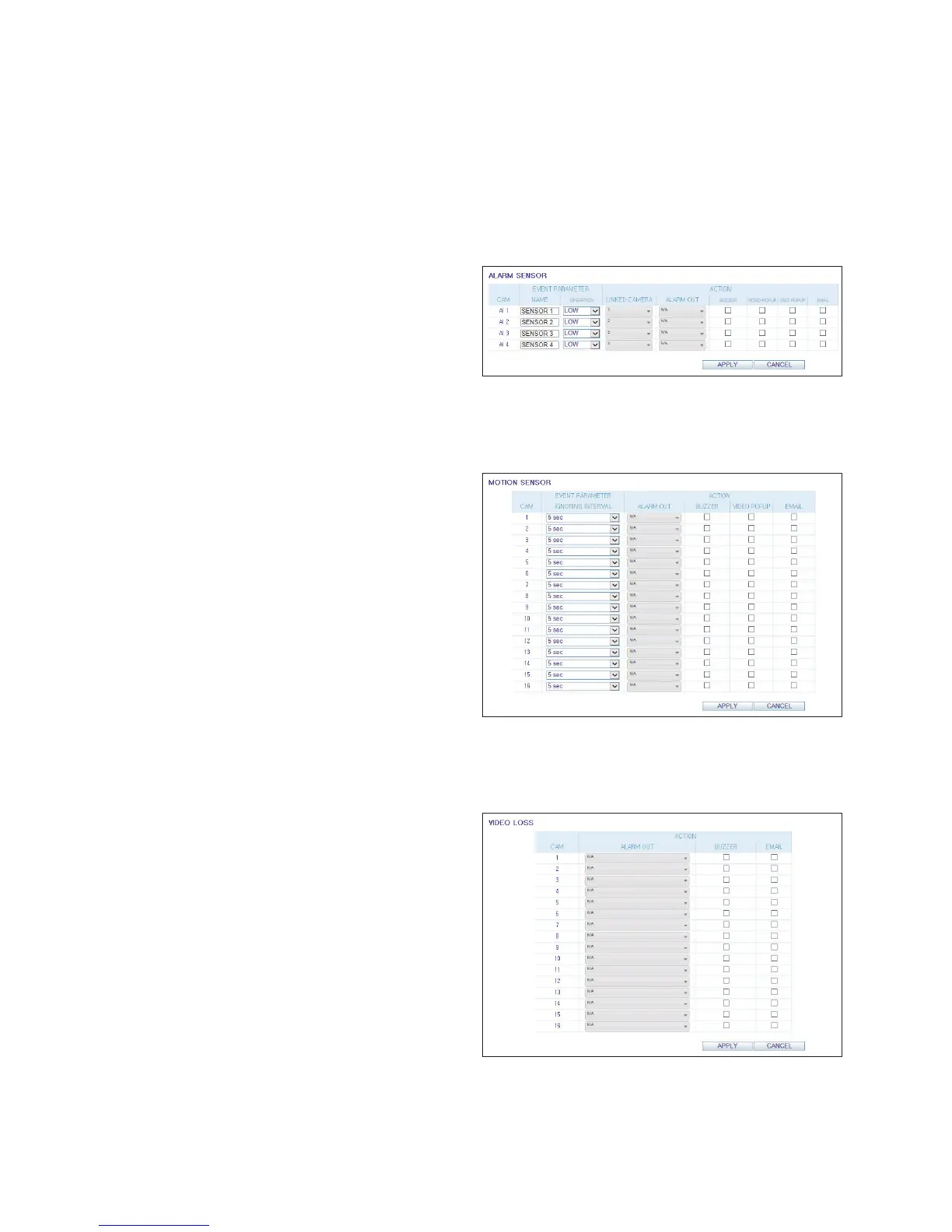
Alarm Sensor
You can configure the settings of the alarm sensor.
When done, click <APPLY> to apply the changes.
For more information about each of the alarm sensor actions,
refer to "Alarm Sensor" (page 55)
Motion Sensor
You can set an action to execute when motion is detected.
When done, click <APPLY> to apply the changes.
For more information on how to set the motion sensor, refer
to "Motion Sensor" (page 56)
Video Loss
You can select an action to execute when there is video loss. Select <BUZZER> and/or <EMAIL>. When done, click
<APPLY> to apply the changes.



 To Next Page