97
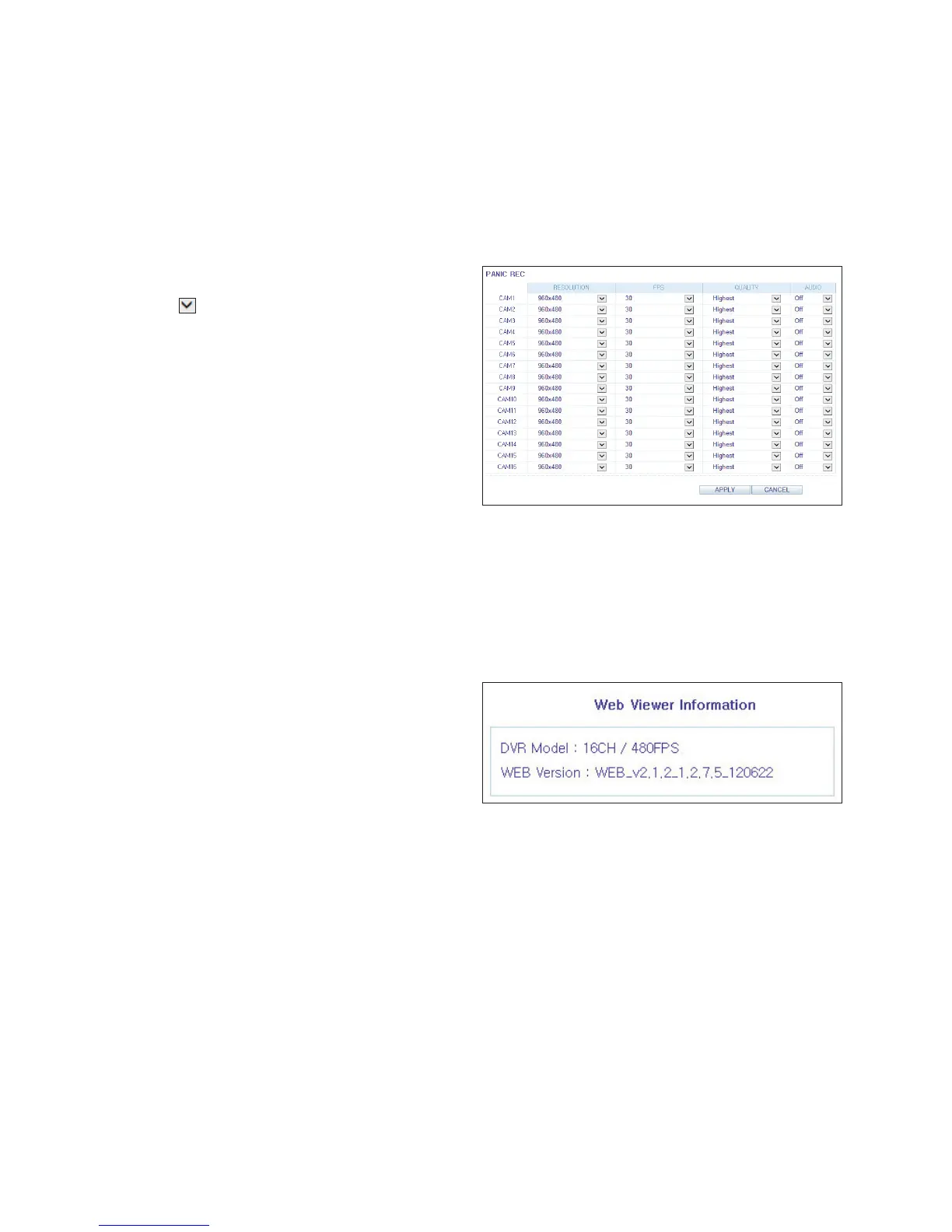
Panic Recording
From the <PANIC RECORD> menu, you can set the resolution,
FPS, quality and audio settings.
Click < > next to each item to display the list of values
available.
When you have finished, click <APPLY>.
For more information about the manual record settings,
refer to "Panic Recording" (page 63)
About
Click the <INFORMATION> tab to check the model name of the DVR as well as the web viewer version.



 To Next Page