99
Using the EH / SPIRE Viewer on the iPhone
How to download the iPhone-dedicated application
From your iPhone, access the App Store.
Enter "Vitek SPIRE Viewer" in the search bar. Install the application on your iPhone.
The DVR Viewer supports the 1/4 split screen mode.
•
The nViewer Lite is a free application, and does not provide search, log view, PTZ control and system configuration functions.
To connect to the DVR with EH / SPIRE Viewer
1.
Select and run the EH / SPIRE Viewer.
2.
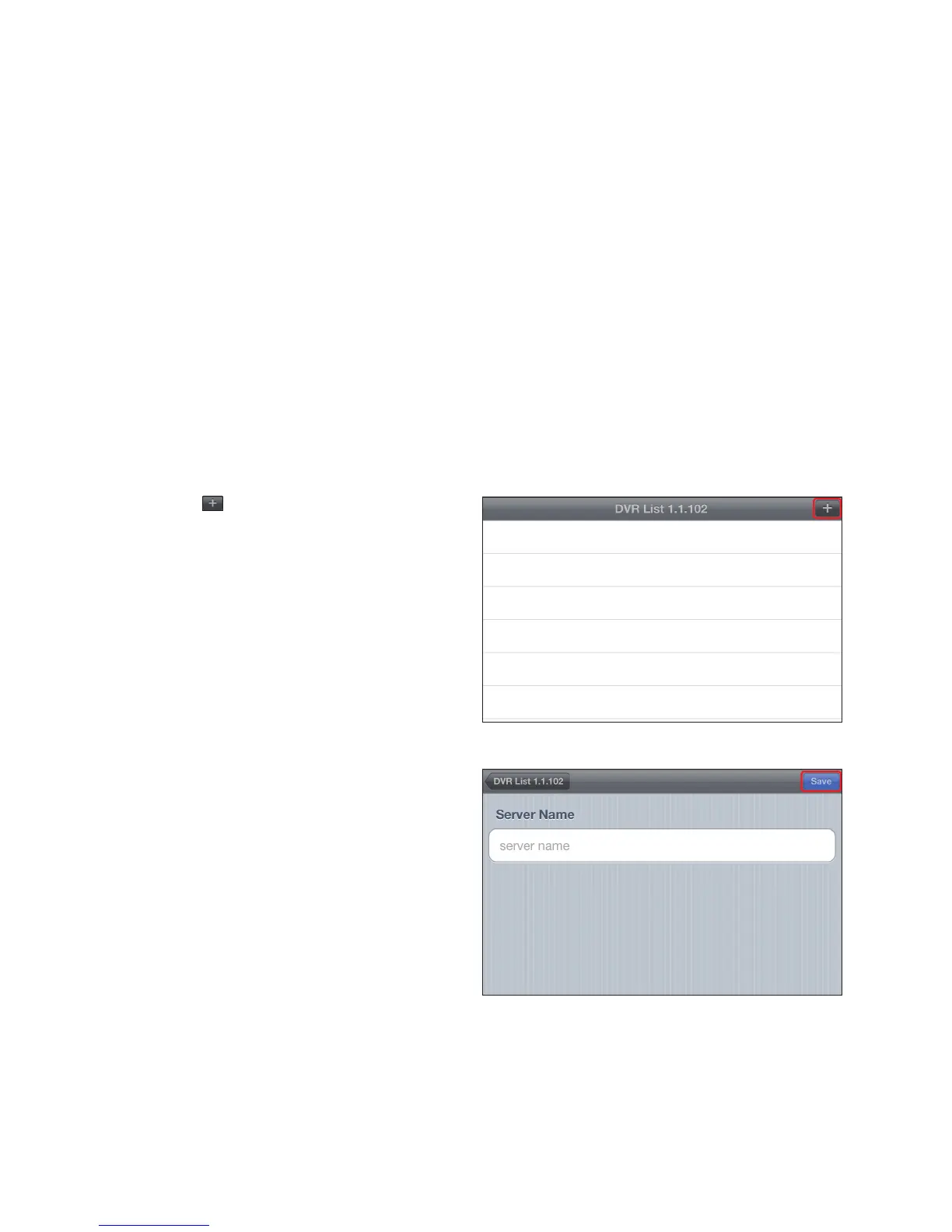
Click < > in the top right corner of the DVR List to
select and add a DVR to the list.
3.
Enter the server name and click <Save>.



 To Next Page