VIVOTEK
User's Manual - 101
Follow the steps 1~3 to arrange the three elements -- Schedule, Trigger, and Action to congure an
action to take when an event is triggered. You can congure 3 event-triggered conditions.
1. Schedule
Specify the time span for the event-triggering condition. Please select the days of the week and the
time in a day (in 24-hr time format) for the recording schedule.
2. Trigger
This is the cause or stimulus which denes when to trigger the Network Camera. The trigger source
can be congured to use the Network Camera’s built-in motion detection mechanism or external
digital input devices.
There are several choices of trigger sources as shown below.
Select the item to display the detailed
conguration options.
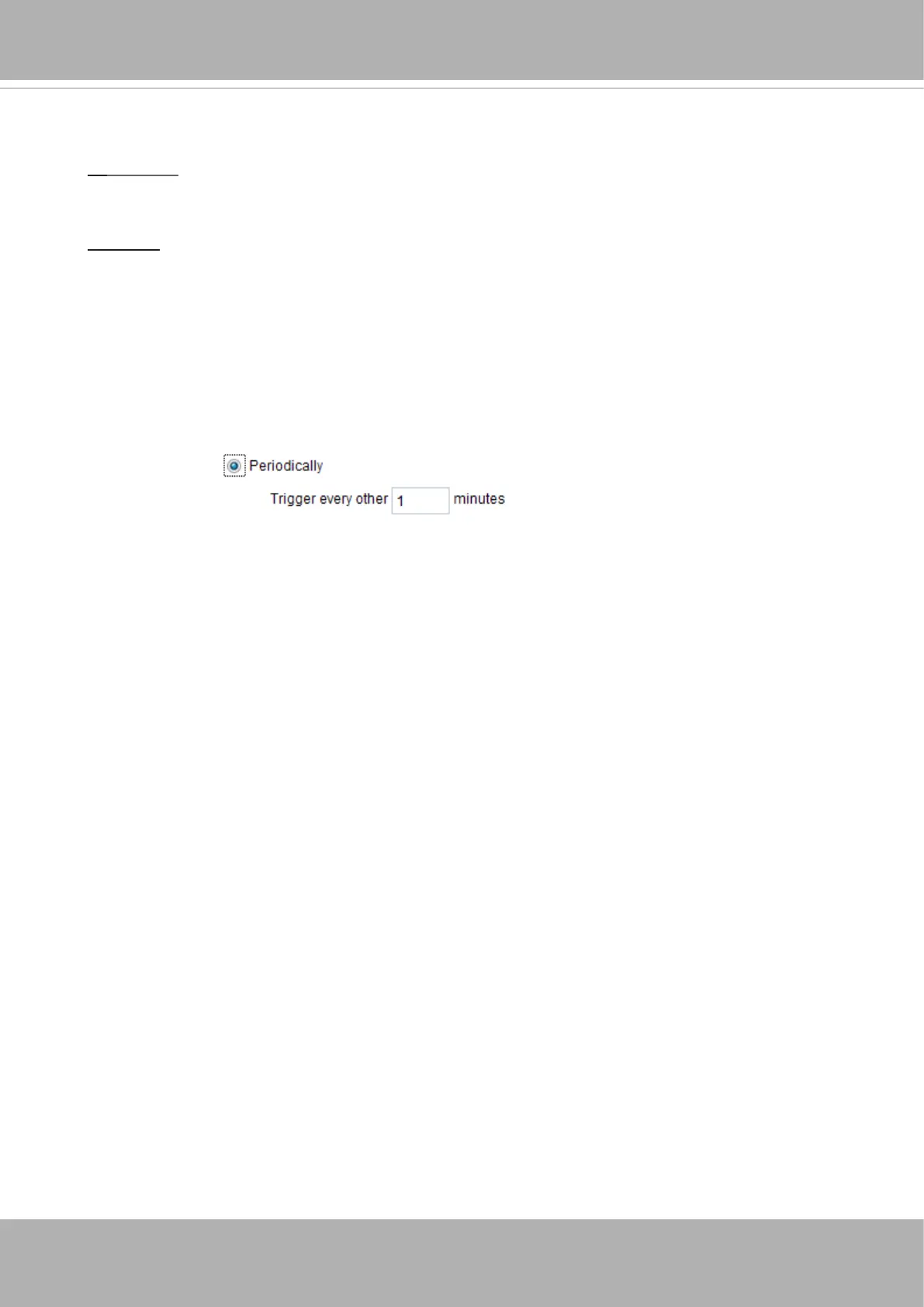
■ Periodically
This option allows the Network Camera to trigger periodically for every other dened minute. Up
to 999 minutes are allowed.
■ Digital input
This option allows the Network Camera to use an external digital input device or sensor as a
trigger source. Depending on your application, there are many choices of digital input devices on
the market which helps to detect changes in temperature, vibration, sound, and light, etc.
■ System boot
This option triggers the Network Camera when the power to the Network Camera is disconnected
and reconnected.
■ Recording notify
This option allows the Network Camera to trigger when the recording disk is full or when
recording starts to rewrite older data.
■ Manual triggers
An event can be manually triggered by the manual trigger buttons on the main page.













 To Next Page