VIVOTEK
User's Manual - 107
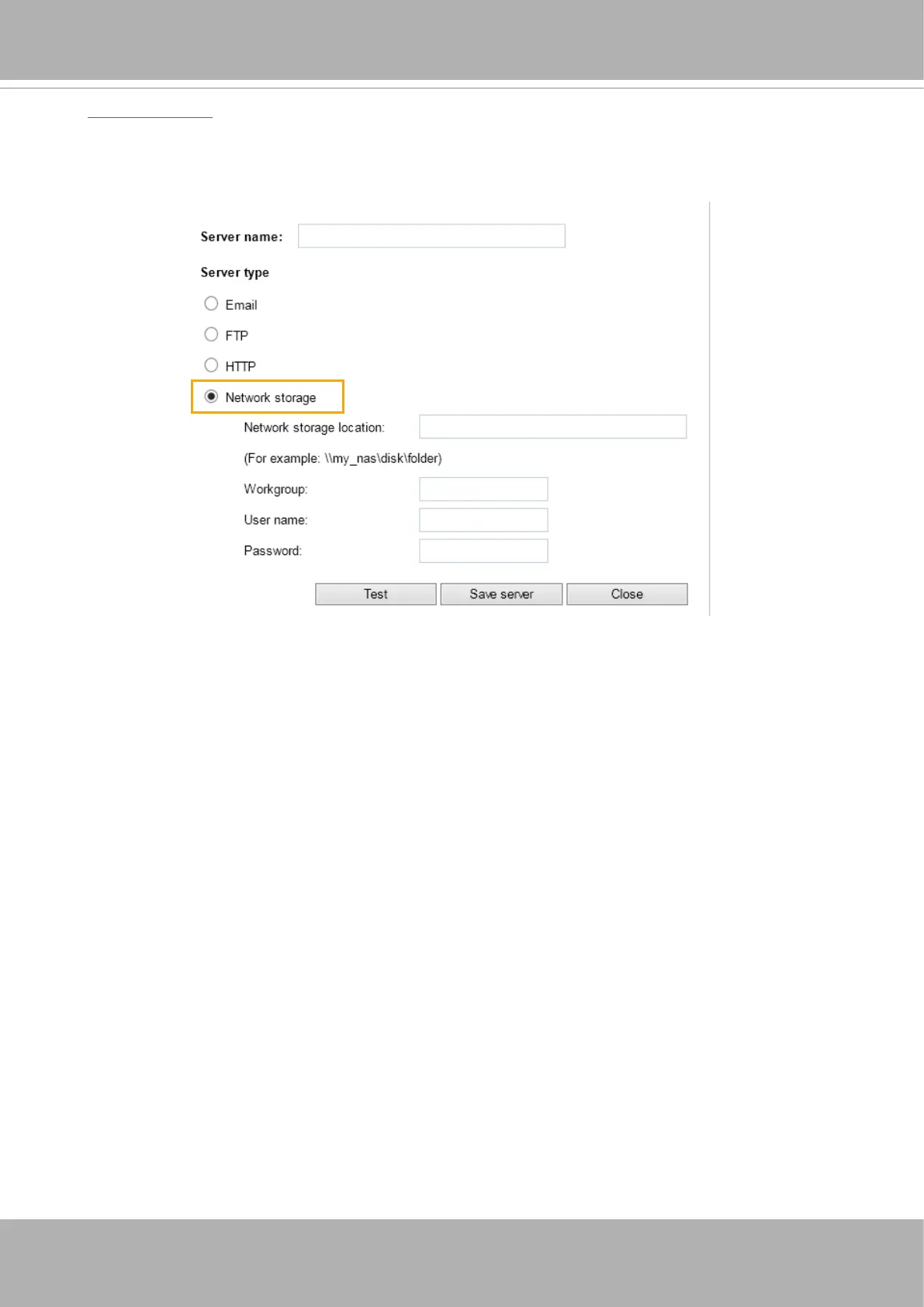
Network storage:
Select to send the media files to a network storage location when a trigger is activated. Please
refer to
NAS server
on page 199 for details.
Click
Save
server
to enable the settings, then click
Close
to exit the Add server page.
■ SD Test: Click to test your SD card. The system will display a message indicating success or
failure. If you want to use your SD card for local storage, please format it before use. Please
refer to page 202 for detailed information.













 To Next Page