VIVOTEK
78 - User's Manual
3-3-3. Passer-by Counting (4th type)
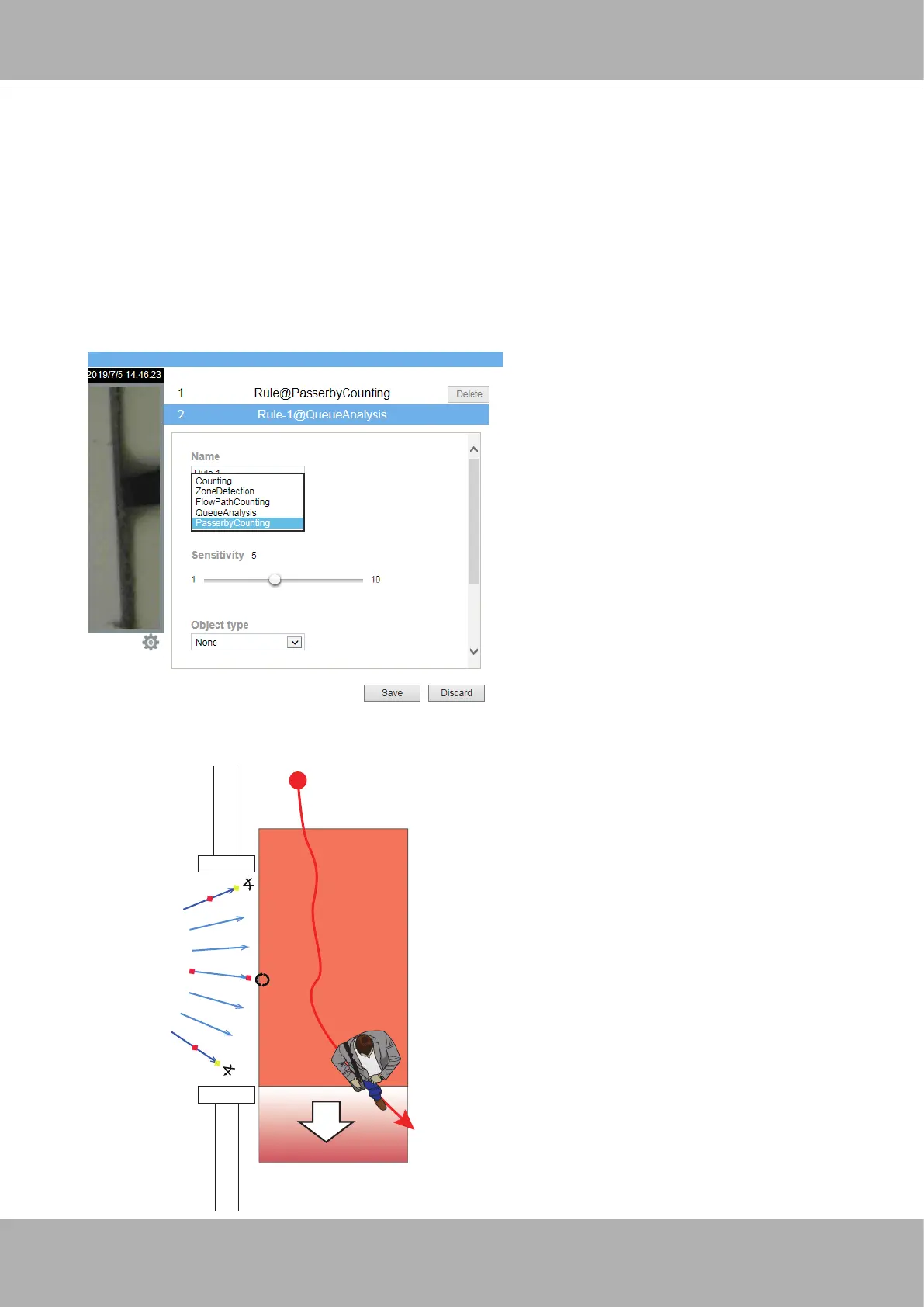
The conguration of Passer-by Counting is similar to the owpath conguration as
previously described. An additional Passer-by Area is congurable if this counting mode is
selected.
To congure the Passer-by counting:
1. Enter a comprehensive name for the conguration, such as Queue_detect1.
2. Select the
rule type
as "Passer-by Counting."
3. Select the Sensitivity and other parameters.
4. Congure a owpath at an entrance. Refer to previous section for details. Click and drag
the corner marks of the Passer-by Area to place it outside of an entrance.
Flowpath
In
Out
Passer-by area
1 passer-by count
Extend to cover the around-
Note that a person must move
across a distance of at least
50cm in the Passer-by Area to
trigger a count.
Please ensure that all foot
trafc through the entrance can
be covered by the owpath and
Passer-by area.













 To Next Page