VIVOTEK
58 - User's Manual
• Sensitivity
: This refers to the effectiveness level of human head shape and depth
differential algorithms for human activity detection. You may try to tune up or tune
down the sensitivity level and oberve the result in the Liveview window. However, if
your installation site contains a lot of misleading objects, e.g., complex scenes with
numerous non-target moving objects, setting the sensitivity level too high may result in
false inputs.
• Calibrate
: Users can calibrate the installation height especially when installing the
camera for the first time. The calibration function helps verify the correctness of the
dual-lens depth map in the stereo vision. The correctness of such vision can be affected
by incorrect intallation. Please note that errors can occur if you install the camera in a
faulty condition, e.g., at a place that is too low.
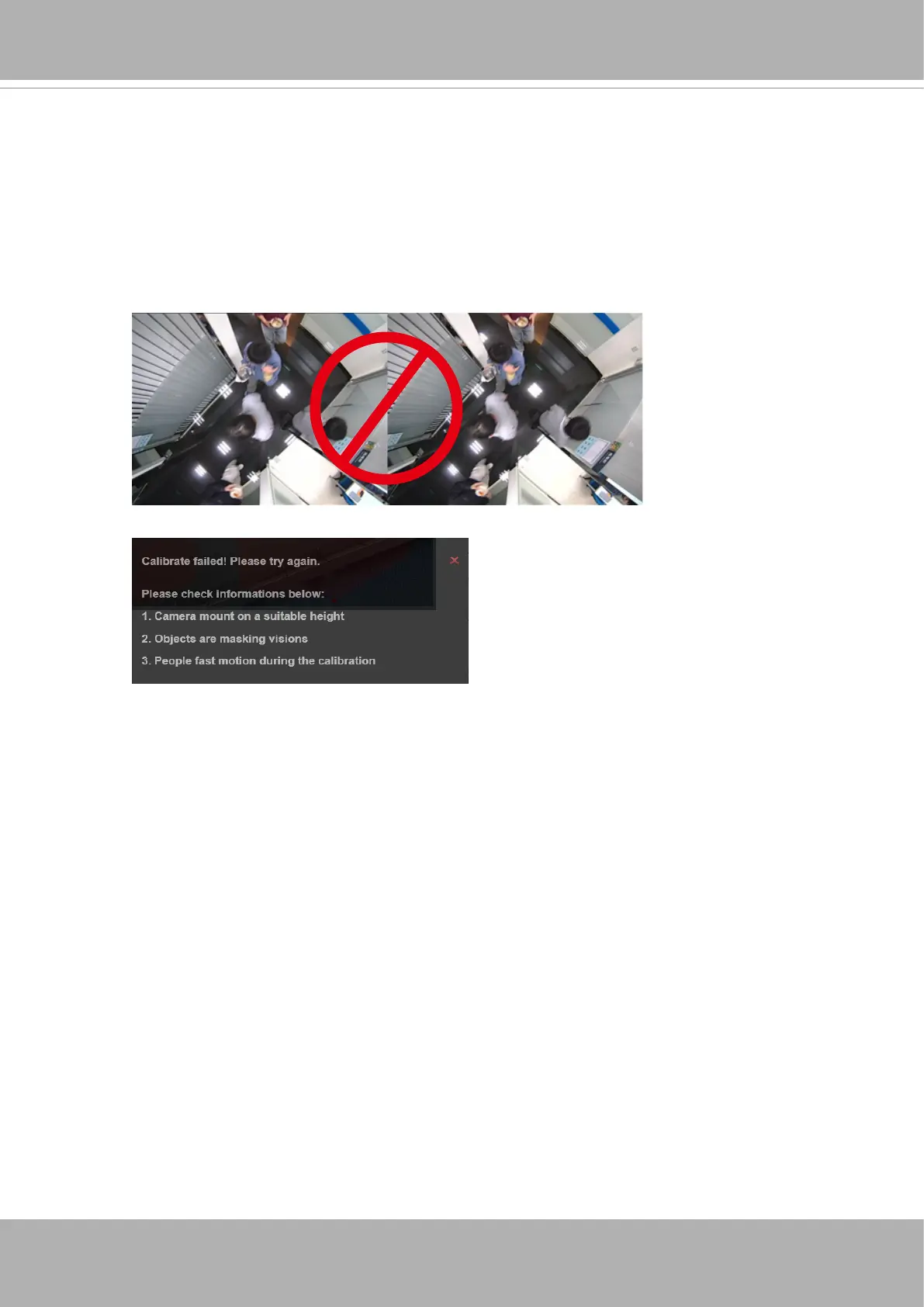
Also note that you should avoid using the function with heavy trafc in the scene while
the calibration is taking place. When calibration is done, the management screen will
be refreshed.
The following message will prompt if errors occur during the calibration.
Check detection height: Check the height number detected by camera and compare
with the the actual height you measured. Adjust the installation if necessary.
Advanced settings
(click to expand the conguration menu)













 To Next Page