VIVOTEK
User's Manual - 191
Applications > DI and DO
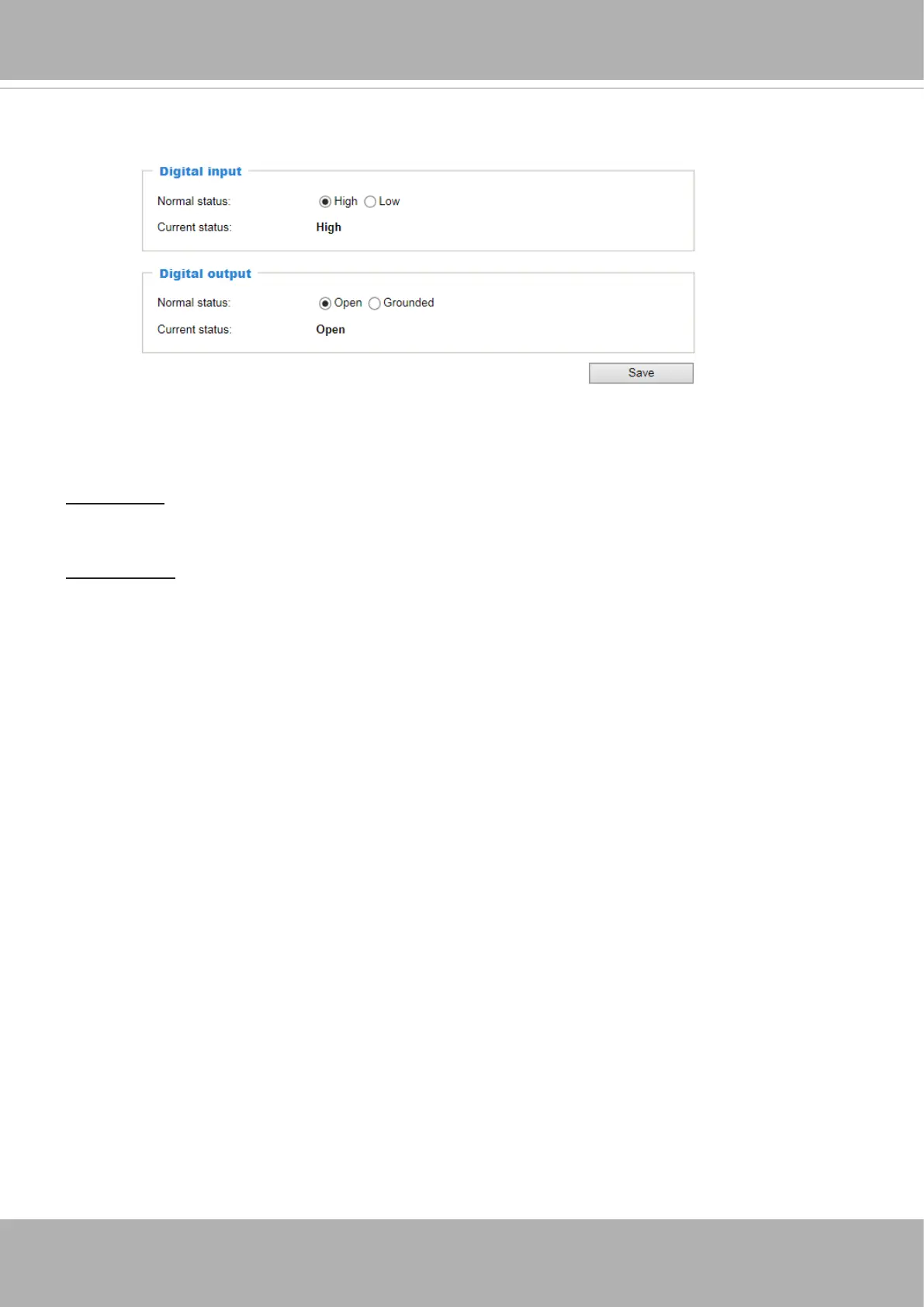
Connect DI or DO devices to the camera's terminal block, the camera will automatically detect
the current connection state as pulled-high or pulled-low. You may then define the triggering
condition.
Digital input: Select High or Low as the state of the signal to dene the "Normal status" for the
digital input. Connect the digital input lines to the Network Camera, and the camera will report
the current status.
Digital output: Select Grounded or Open as the state of the signal to dene the "Normal status"
for the digital output. Connect the digital output lines to the Network Camera, and the camera
will display the current status.













 To Next Page