VIVOTEK
120 - User's Manual
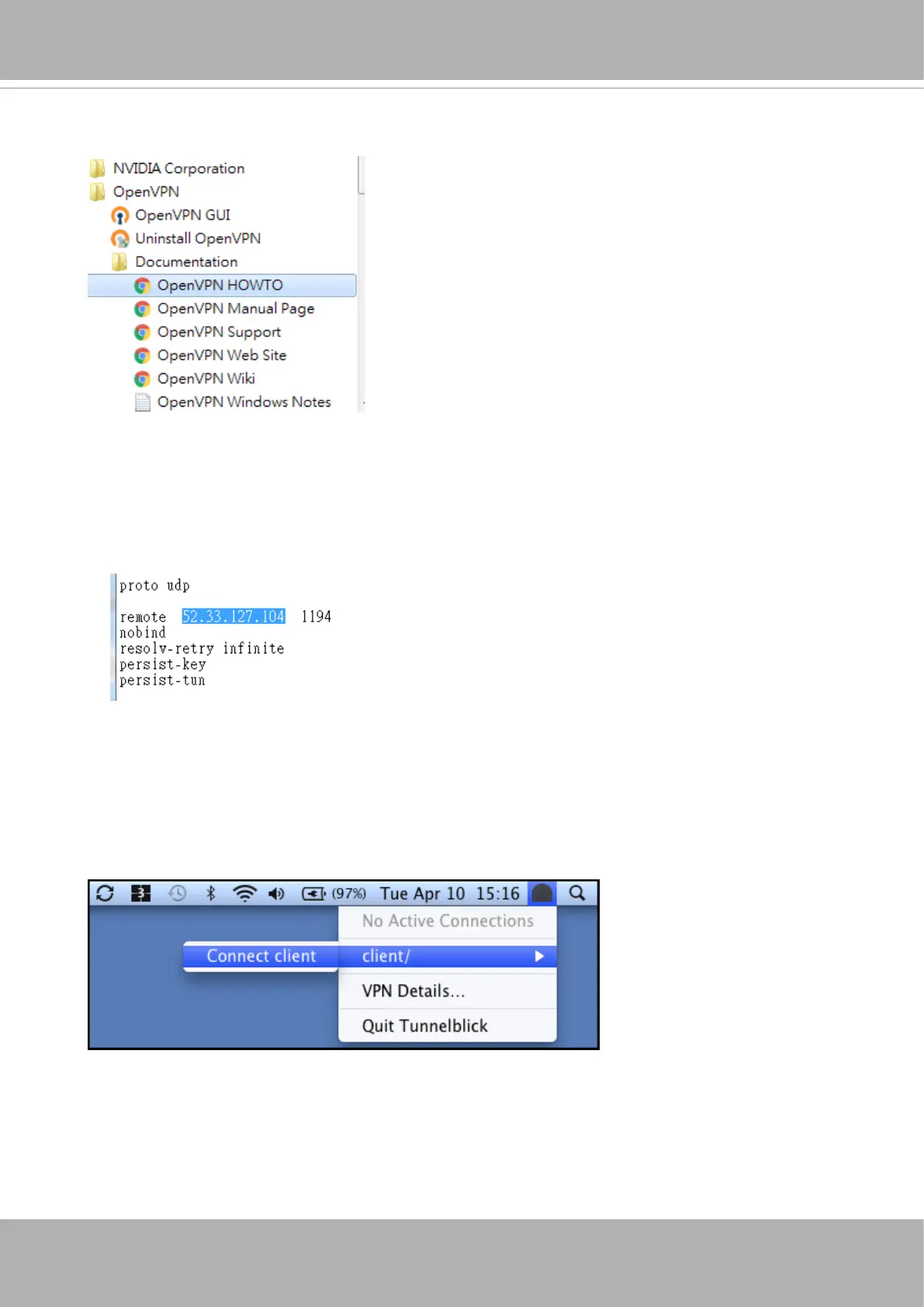
If using the OpenVPN tunnelblick:
1. Download and install this version from https://tunnelblick.net/downloads.html
2. Unzip the config.zip into anywhere you prefer and edit the client.ovpn to update the
remote address to that of your Remote Portal server address.
3. Double click this client.ovpn le to let tunnelblick load it
To install the OpenVPN tunnelblick:
4. From the top tool bar, click Client to open the VPN server.
5. Wait until it connects to the server.
Refer to the instructions that came with your OpenVPN GUI for information on how to
create public and private keys, CA certicates/keys for the server and clients.













 To Next Page