VIVOTEK
56 - User's Manual
Export Data
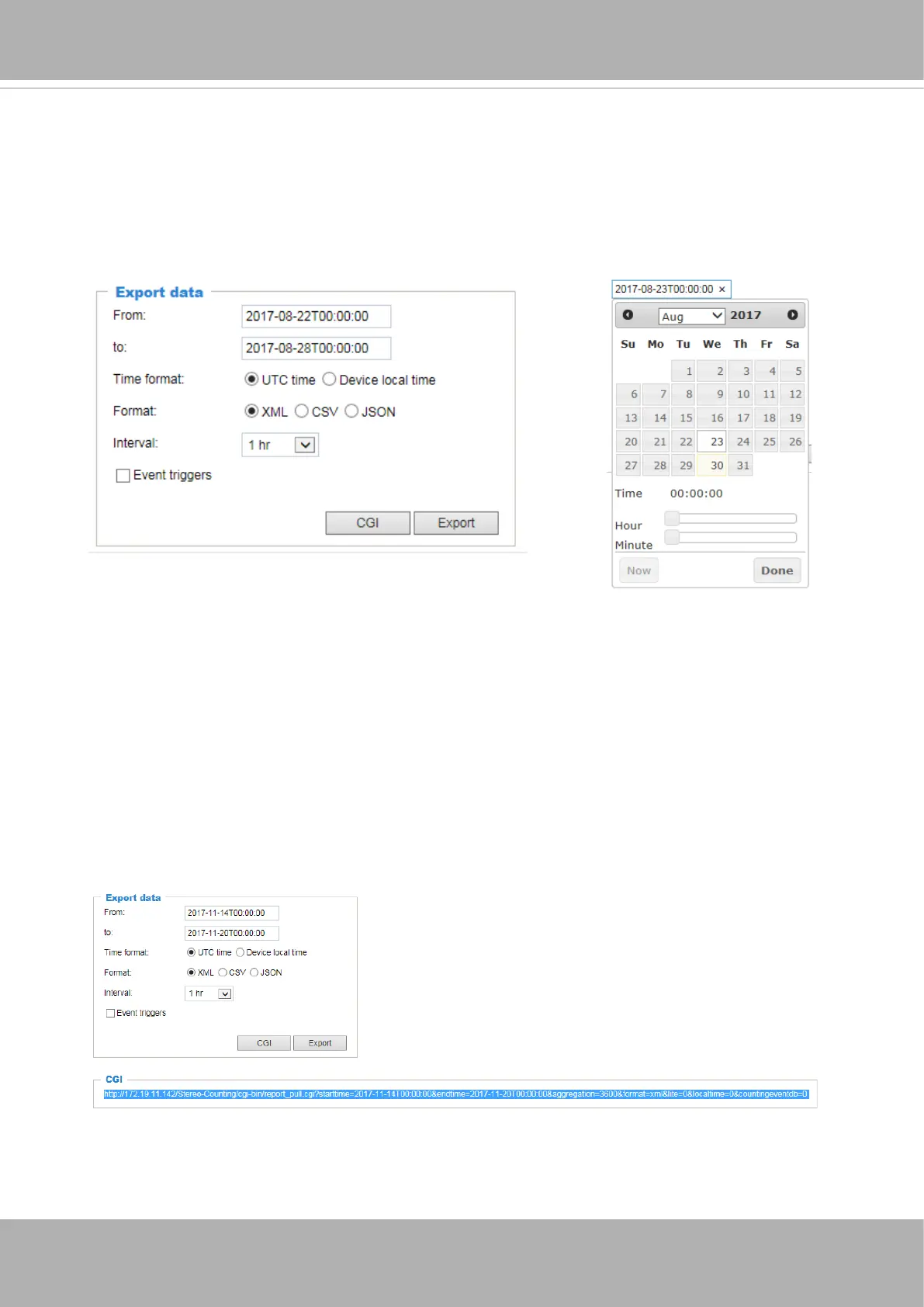
The Export data window allows you to manually export all analytics results. Up to 2,000
entries will be stored on the camera. Users can export the report using the XML, CSV, or
JSON format with the granularity of 1, 5, 15, 30 minutes, or 1, 12, 24 hours.
Select the date and time carefully using the calendar tool. Click on any number of the From
time or to time entry eld to bring up the calendar tool.
Event triggers
: If event triggers have been configured, e.g., too many people have
been detected in a detection zone, the events will be included in the exported data. See
Conguration > Event rules.
CGI
: You can click the CGI button to produce a line of CGI command. Copy and save the
command for later use or to be implemented elsewhere. This command can specify and
retrieve video counting results.













 To Next Page