VIVOTEK
User's Manual - 55
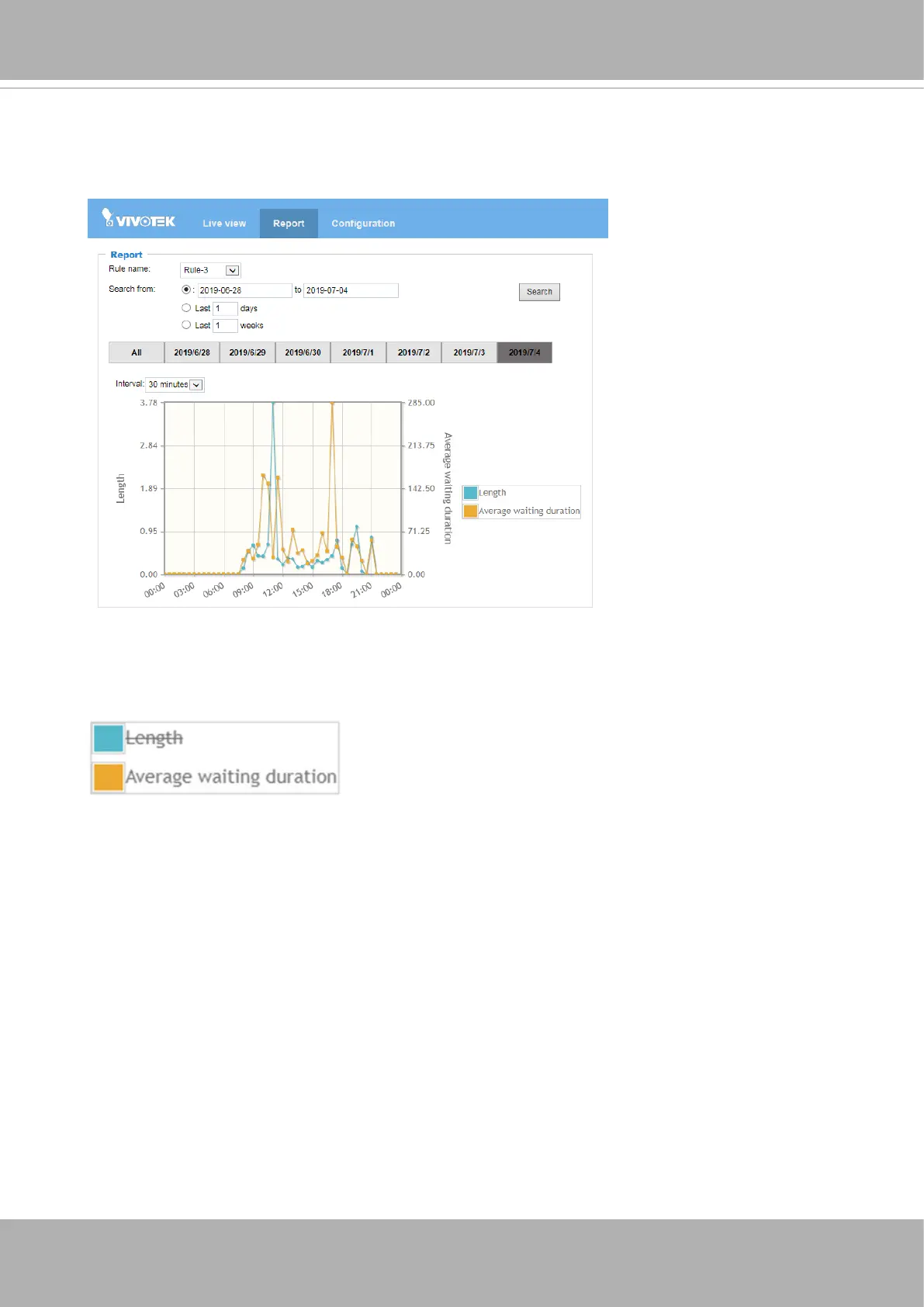
The report page also supports the display of the Queue Analysis results. Select a pre-
configured Queue Analysis rule. Select a day or spans of days. The accummulated
results can be displayed in a chart.
You can single-click to disable a display element. For example, you can choose to
display the Average waiting duration. Click again to restore the original view.













 To Next Page