VIVOTEK
202 - User's Manual
Local storage > SD card management
This section explains how to manage the local storage on the Network Camera. Here you can
view SD card status, and implement SD card control.
SD card format
The Linux kernel EXT4 file system format applies to SD card larger than 32GB. However, if EXT4 is
applied, the computers running Windows will not be able to access the contents on the SD card.
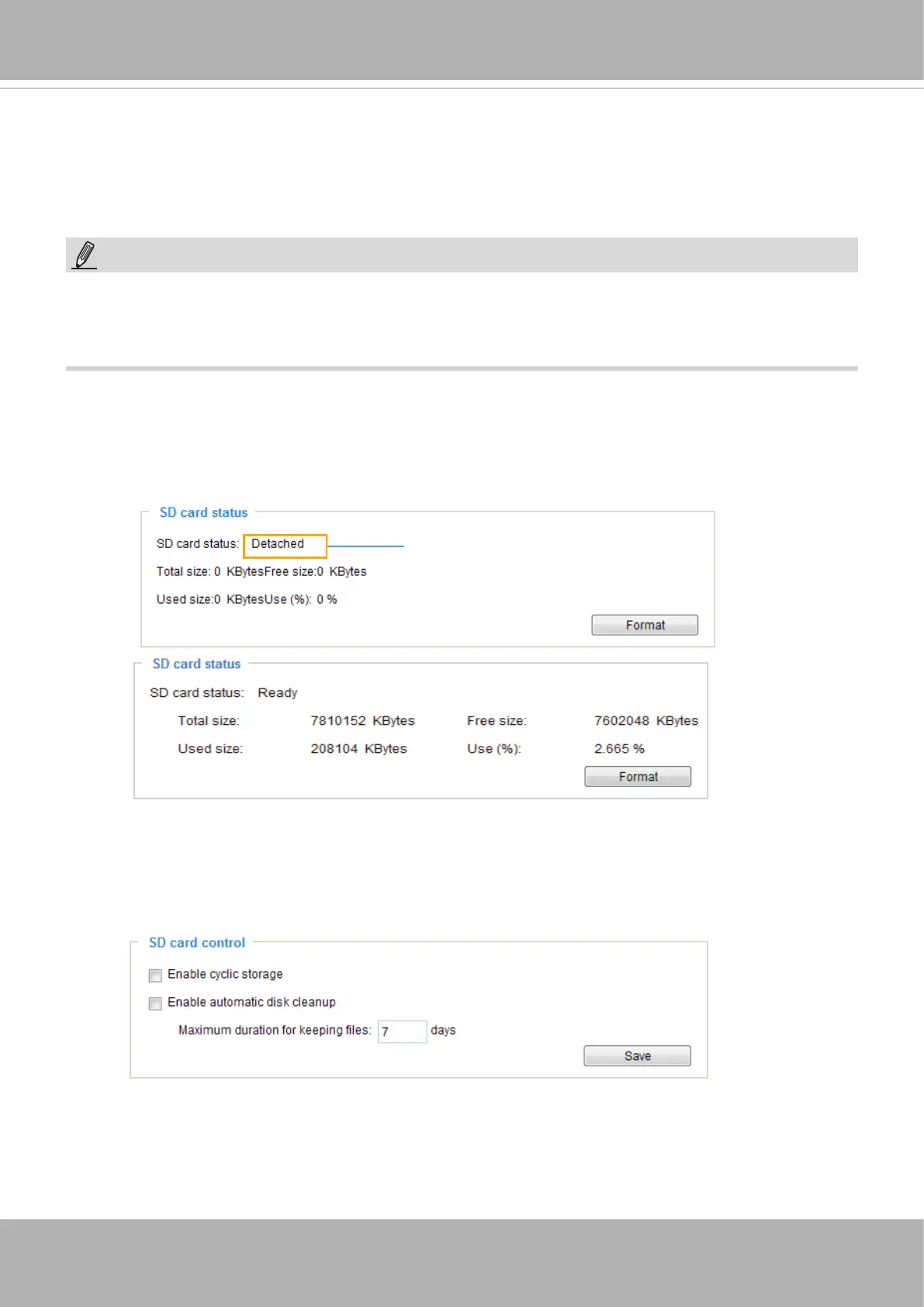
SD card control
■ Enable cyclic storage: Check this item if you want to enable cyclic recording. When the maximum
capacity is reached, the oldest le will be overwritten by the latest one.
■ Enable automatic disk cleanup: Check this item and enter the number of days you wish to retain a le.
For example, if you enter “7 days”, the recorded les will be stored on the SD card for 7 days.
Click
Save
to enable your settings.
NOTE:
• The latest rmware release supports mod.sdp that supports the playback of video recorded
in the SD card. The playback speed is congurable [playspeed=n, n=(0.1~10.0)]. The default
speed is 1. Please refer to the URL command for more information.
SD card staus
This column shows the status and reserved space of your SD card. Please remember to format the SD
card when using for the rst time.
no SD card













 To Next Page