VIVOTEK
122 - User's Manual
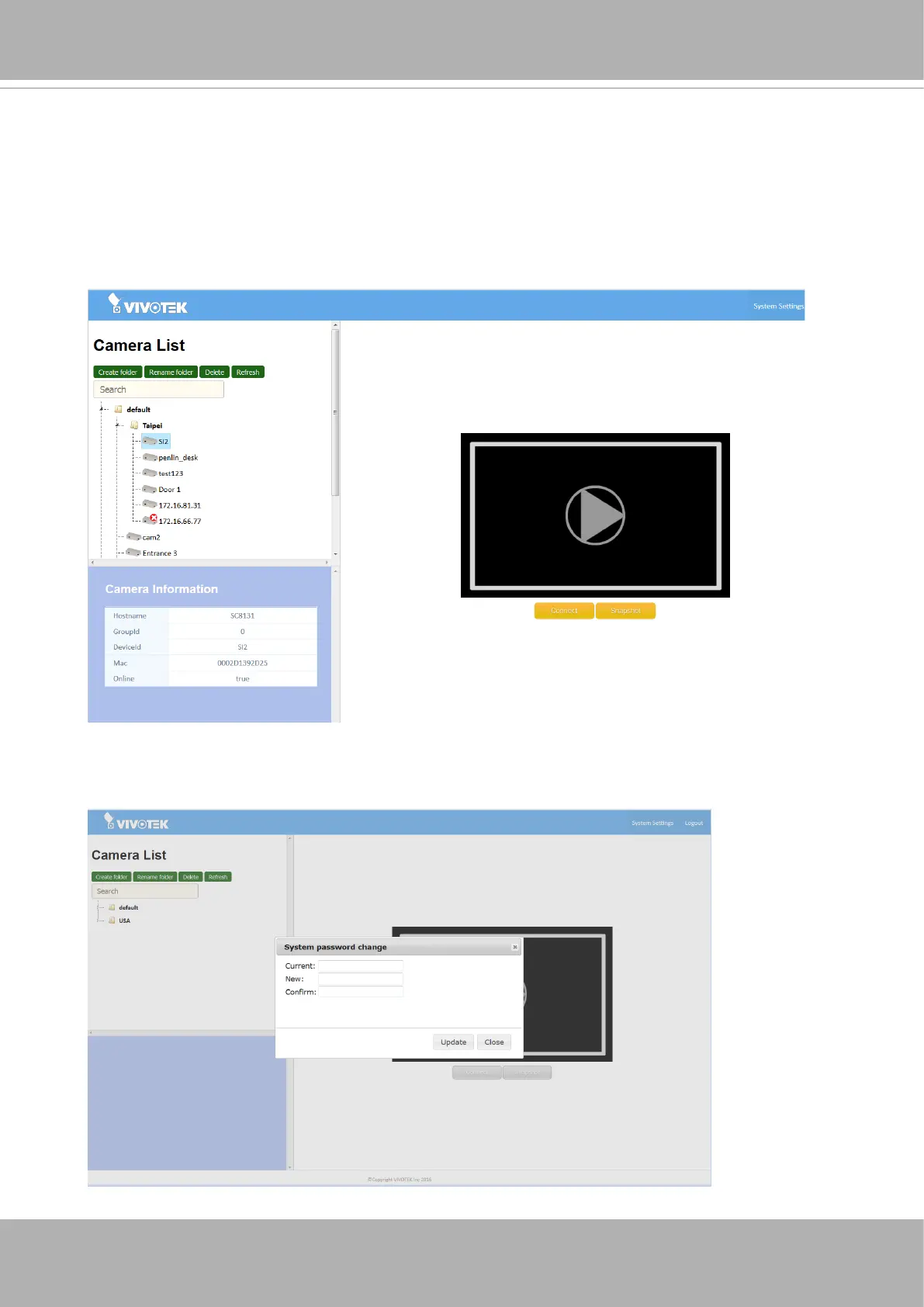
5. A single click on a camera displays its basic information, including its Group ID, and
Device ID. When selected, the Playback, Connect and Snapshot buttons will also be
available.
Playback: click to obtain a live view.
Connect: opens a web console with the camera.
Snapshot: takes a snapshot.
6. Click on System Settings on the upper right of the screen to change the default
passowrd.













 To Next Page