VIVOTEK
52 - User's Manual
NOTE:
The start and end points of a moving object will only appear when the object eventually
disappears from the scene. If the object only lingers in the area, the start and end points
may not appear.
The counting only takes effect when a moving object is detected, then moves across the
detection line, and nally disappears from the area. The start stop map allows you to see
where tracking starts and ends so that you might adjust the detection zone.
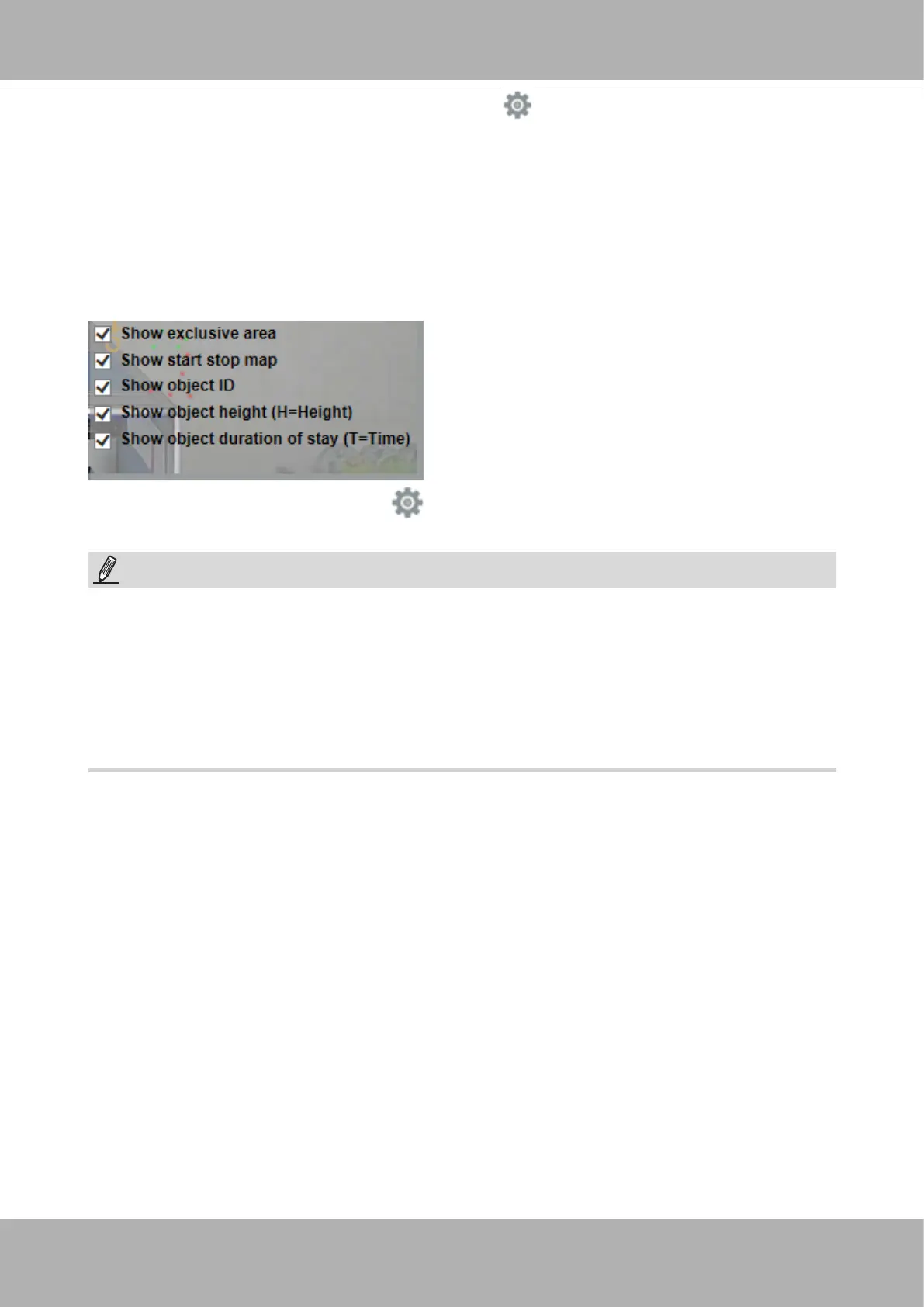
• Display elements
: Click on the display button at the lower right to select the count
indicators.
1. Show exclusive area: displays the exclusive areas, if congured.
2. Show start stop map: displays the start and stop points of moving objects captured
by the camera.
3. Show object ID: displays the sequential number assigned to moving objects.
4. Show object height: displays the height of moving objects.
5. Show objection duration of stay: displays the duration of stay of a moving object in
the detection area. The number is useful for evaluating queueing and service time.













 To Next Page